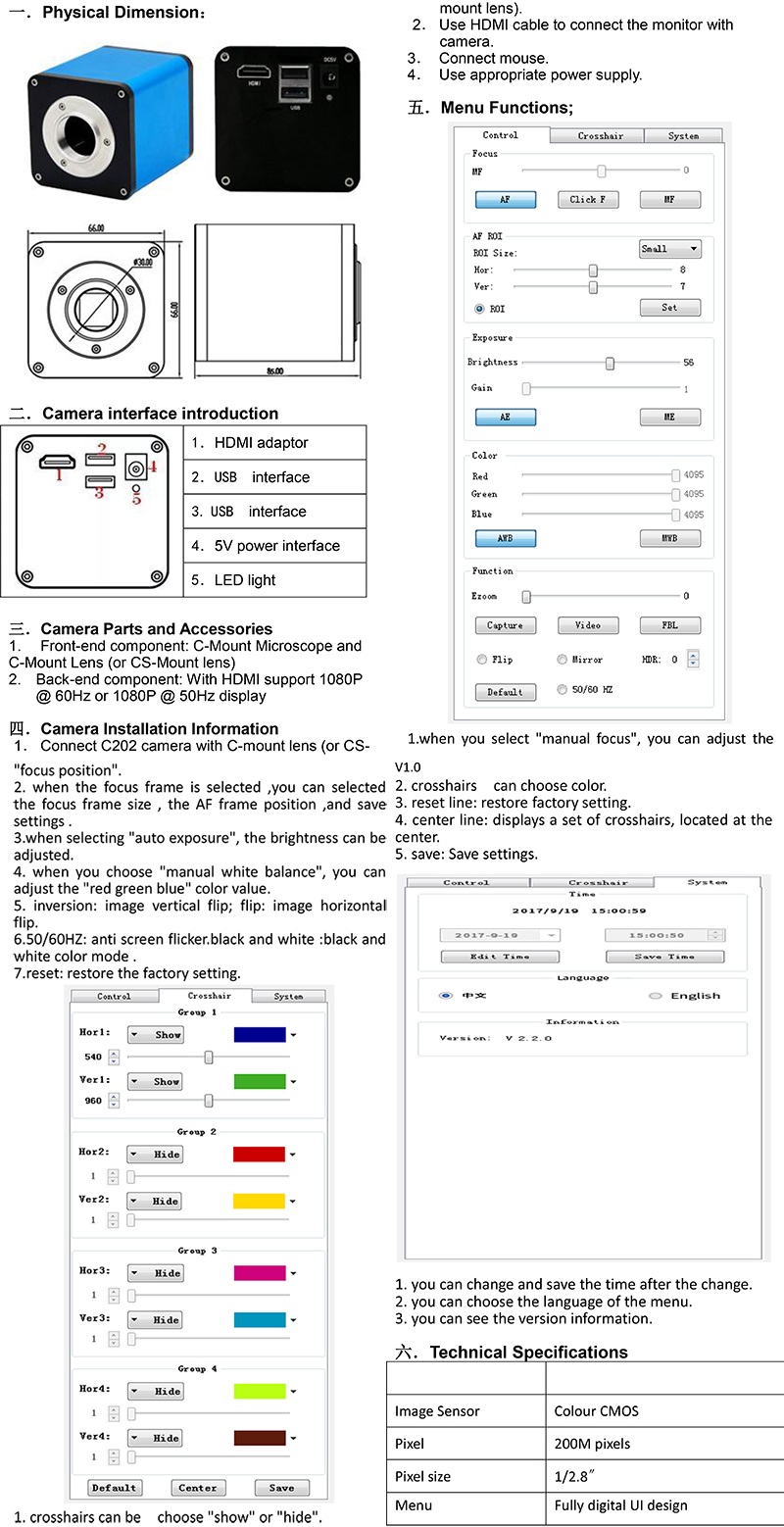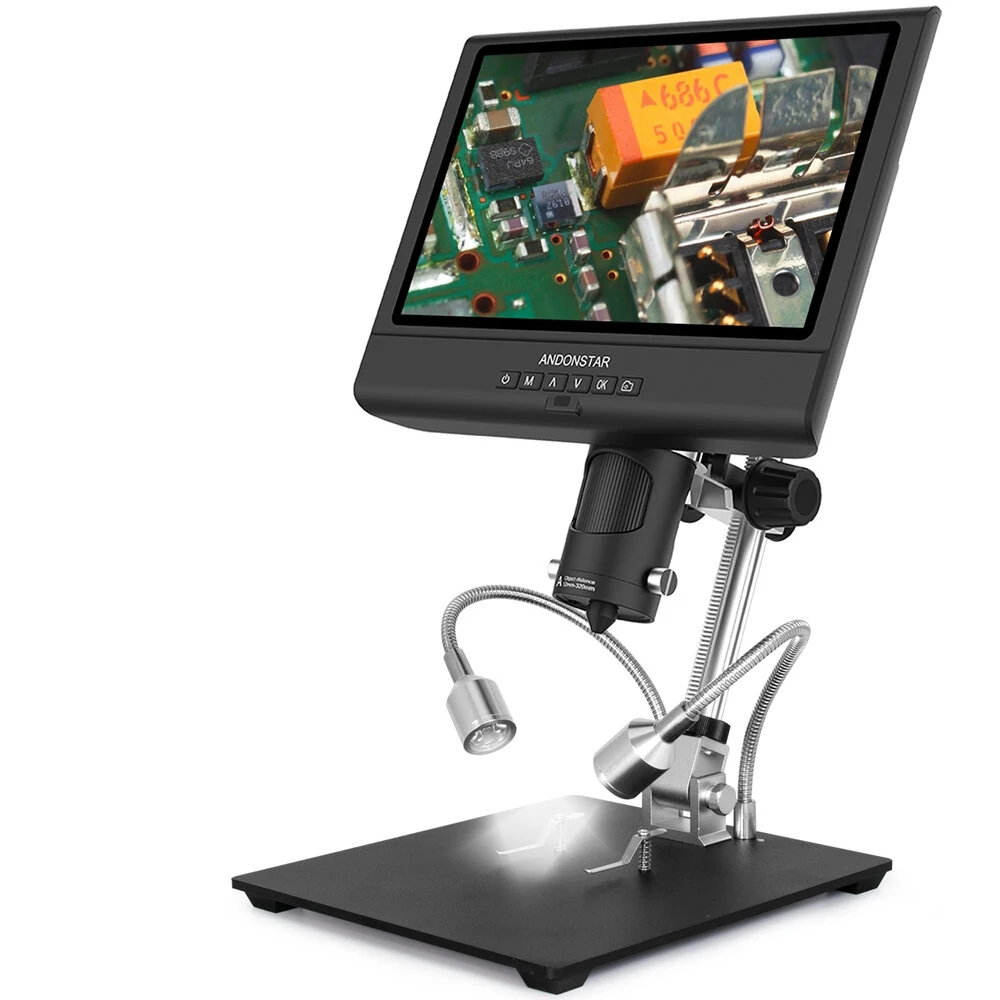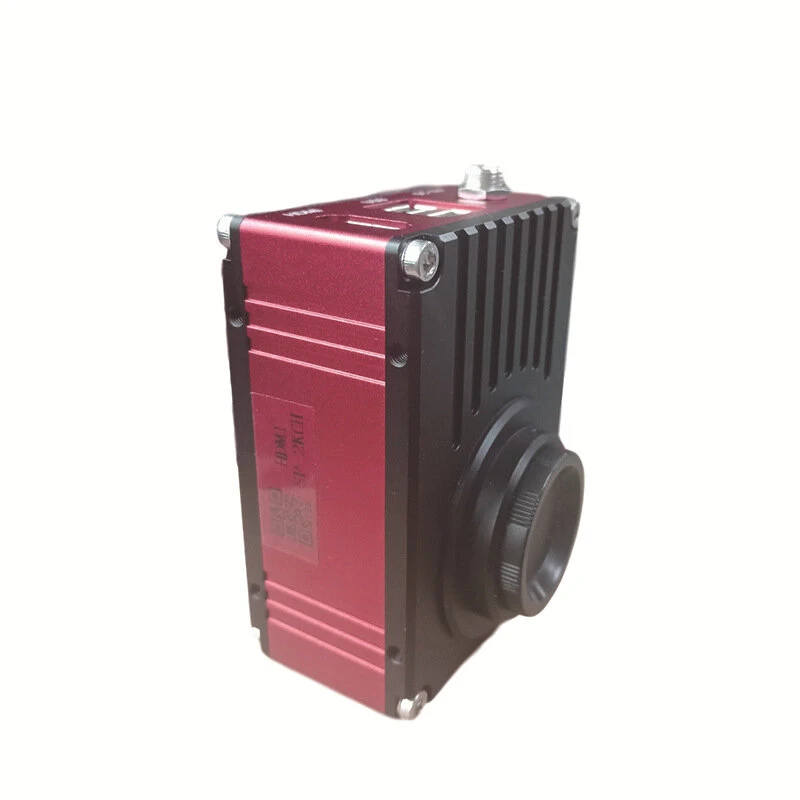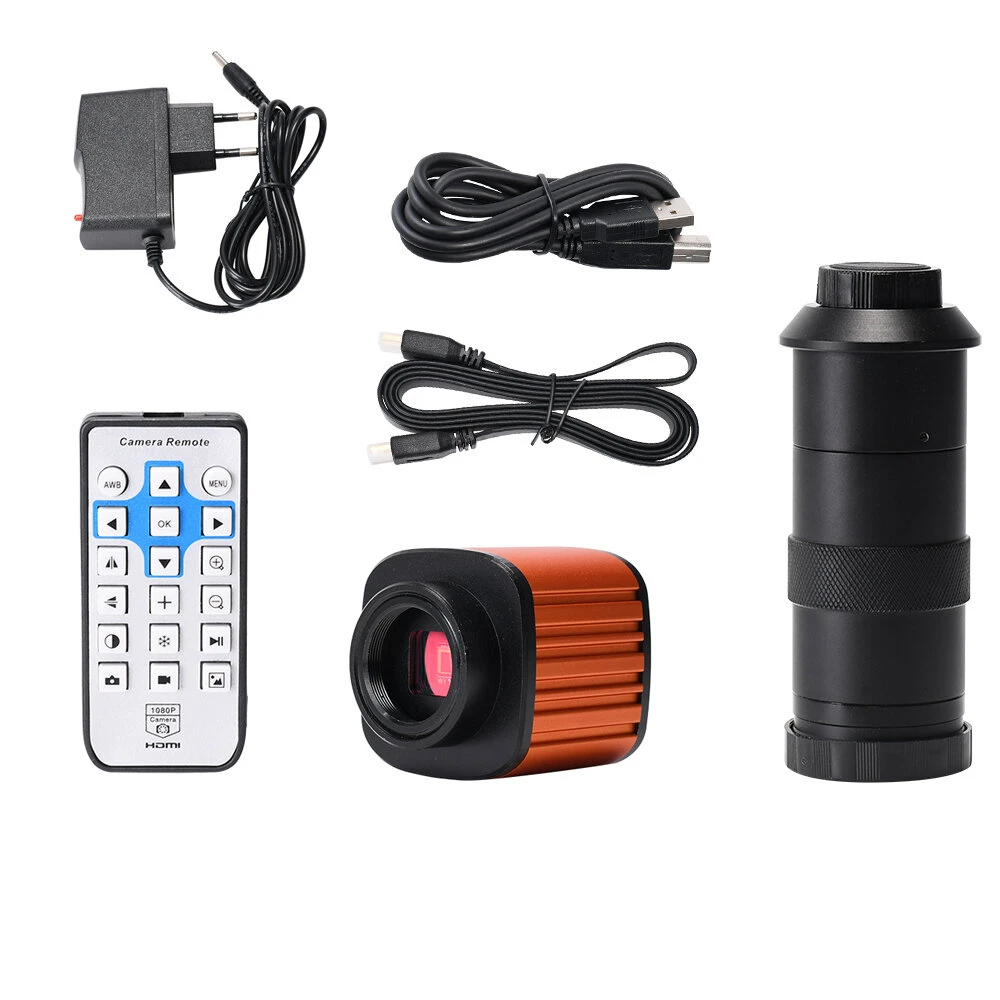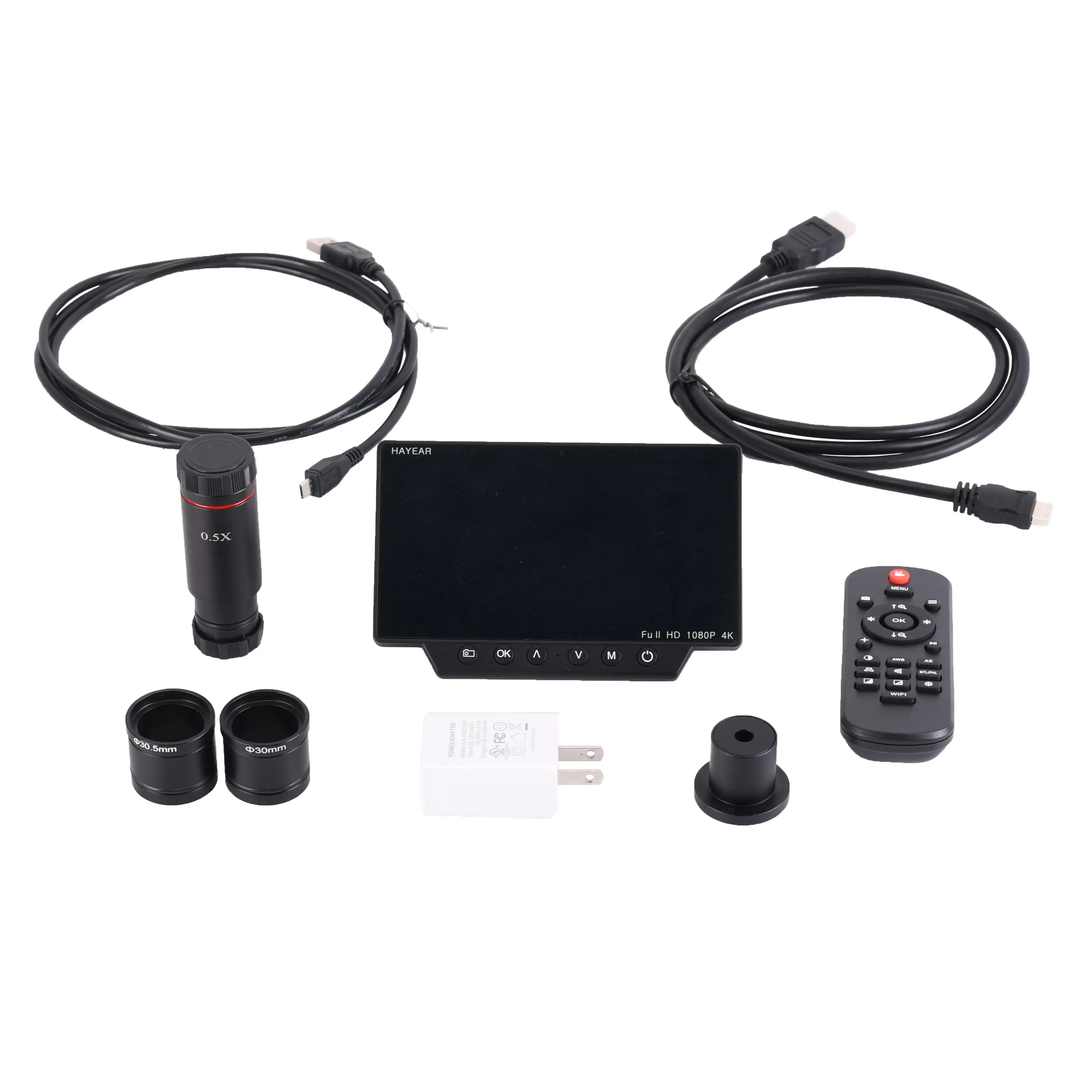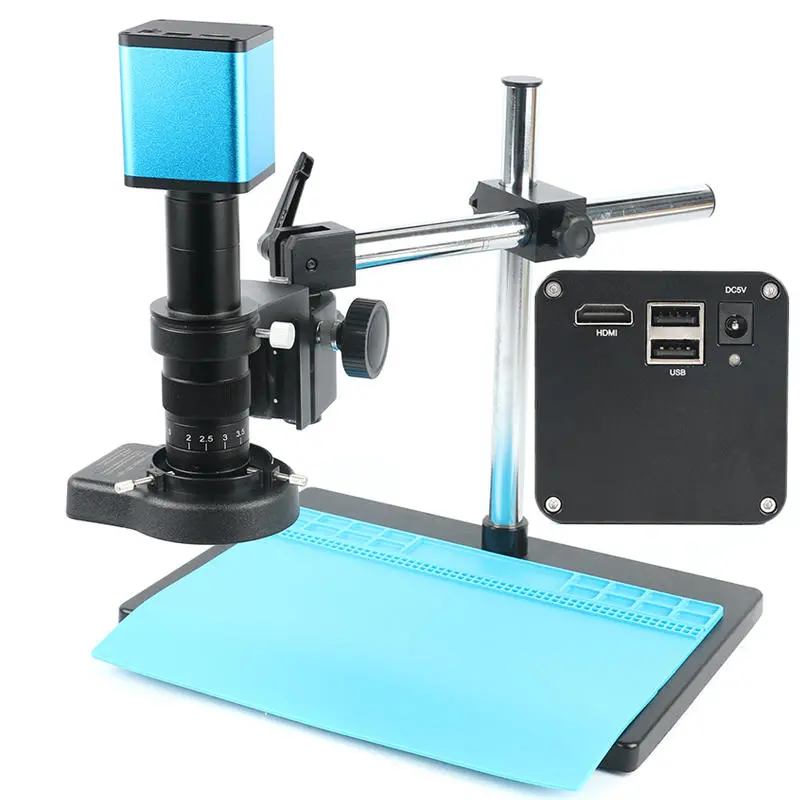
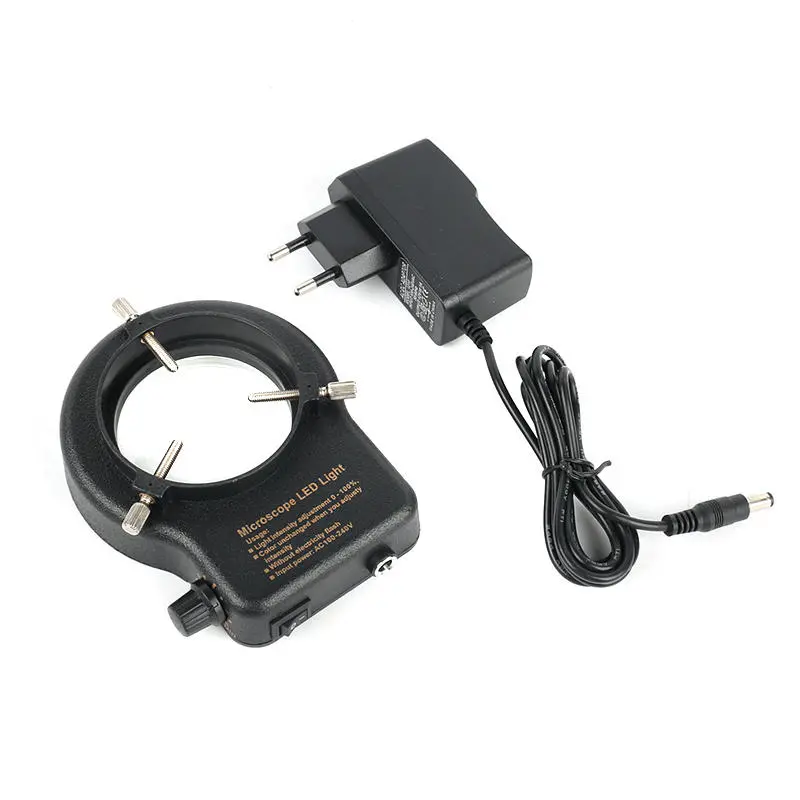
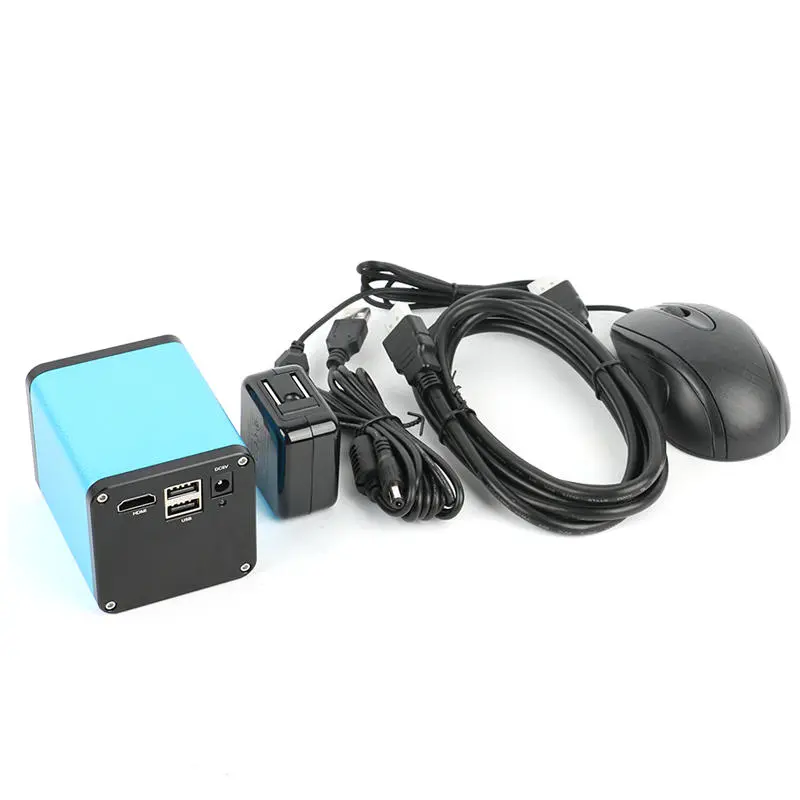
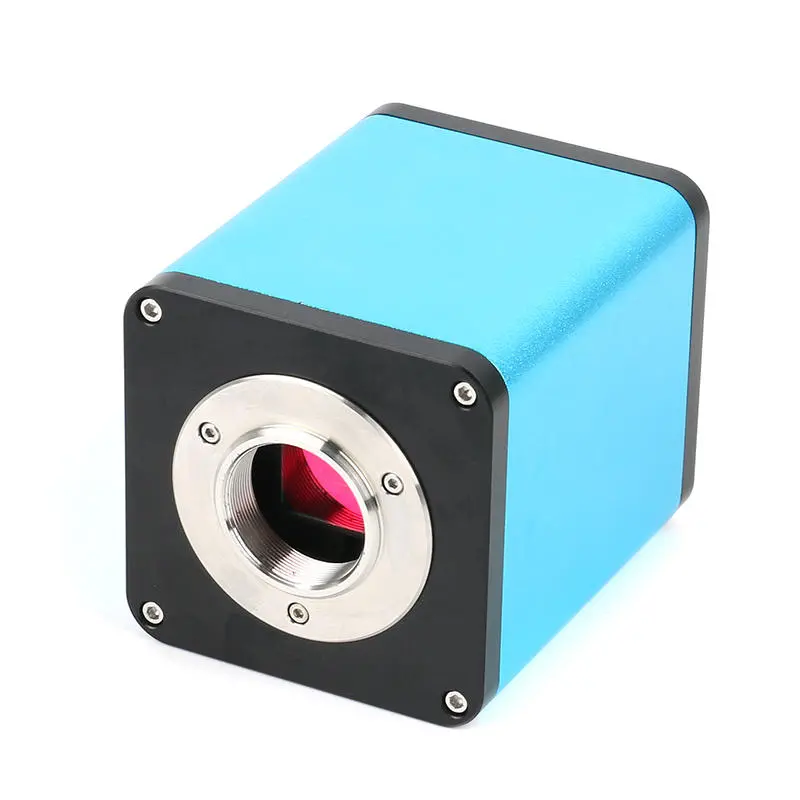
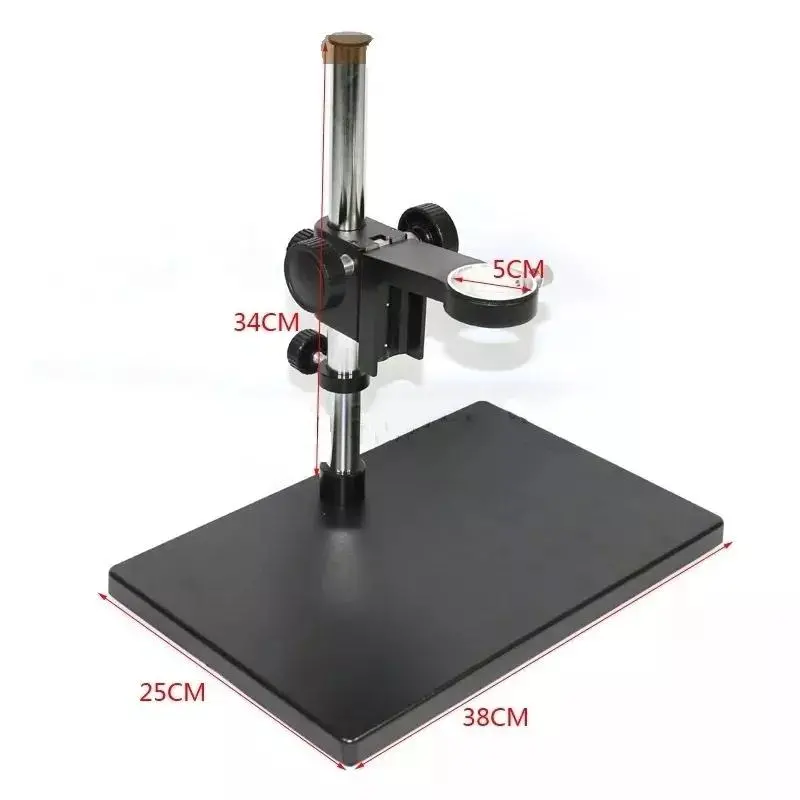
Feature:1080P FULL HD 60FPS high speed cameraUI design menu, easy to control by mouseAutofocus, when observation Objects of different heights(MAX 10CM), you do not need adjust the lens's Working distanceWhen you adjust the lens's Magnification, you do not need adjust the lens's Working distanceWhen you adjust the lens's Working distance(MAX 10CM), you do not need adjust the lens's Magnification, The camera can AutofocusSpecification:Sensor: sony IMX290Image Sensor : Colour CMOSPixel size : 1/2.8??Menu : Fully digital UI designMethod of Operation : MouseLens interface : C/CS-typePower DC : DC5-12V(Updated on 2019/10/25 )Output method : HDMIWhite Balance : Auto / Manual / One-push controlExposure : Auto / ManualDisplay Frame rate : 1080P@60fpsScanning method : Line by line scanningShutter Speed : 1/50s(1/60s)~1/10000sOperating Temperature : 0??~50??Magnification / Zoom : SupportSaving function : Support U disk(optional)1.Before connecting power supply, please connect mouse to the camera. 2.Under AF mode, the program will automatically adjust the focus to provide a clear image; Switching to "Click F" mode, it will lock the focus after the system performed autofocus on the required image; Even if the image is blurry, with focus being locked, it will not trigger autofocus again; When ??MF?? (Manual Focus) is set, the MF can be adjusted .3.If autofocus cannot operate under special circumstances (e.g. Smooth reflect surface). Move the focus frame to objects with details, change to ??Click F?? mode to perform one-off auto focus operation, or switch to ??MF?? mode for manual focus operation. 4.it needs to wait for a period of time When "Save Image" is selected, icons appear in the center of the screen and are automatically saved to U disk in jpg format. 5.When pressing ??Video?? button to start recording, ?Rec will appear at the lower right hand corner of the camera screen. By pressing ??Video?? button again, video recording will be stopped and automatically saved to TF card with H.264 format6.When saving the image / video, the folder and files will be named according to date and time respectively.7.When you need to correct the rear focus of the lens, select the "motor in the middle" and then adjust the mechanical rear focus to make the image clear.C-MOUNT Lens: Working distance: 95mm Zoom c-mount Lens 0.5X C-mount adapter Zoom ratios: 6.5:1 Objective Magnification Power by 0.7 - 4.5X(about 10 - 180X on the display) Size: 180mm(L) * 50mm(DIA)56 bright white LED bulbs(Updated on 2019/10/25 ) 100,000 hours of life Intense and focused shadow-free illumination The brightness of 0-100%Adjustable,high brightness Variable intensity control Power input: 100-240V, 50-60HZ Suit for the dia of the lens: 30mm-63mm Package Include:1 x Microscope Camera1 x Power supply(EU)1 x HDMI Cable1 x USB Mouse1 x 180X C-MOUNT Lens1 x 56 LED Ring Light 1 x Big StandNote:We will send you a plug adapter according to your country.Details Pictures:
Customer Reviews
No reviews yet. Be the first to review this product!