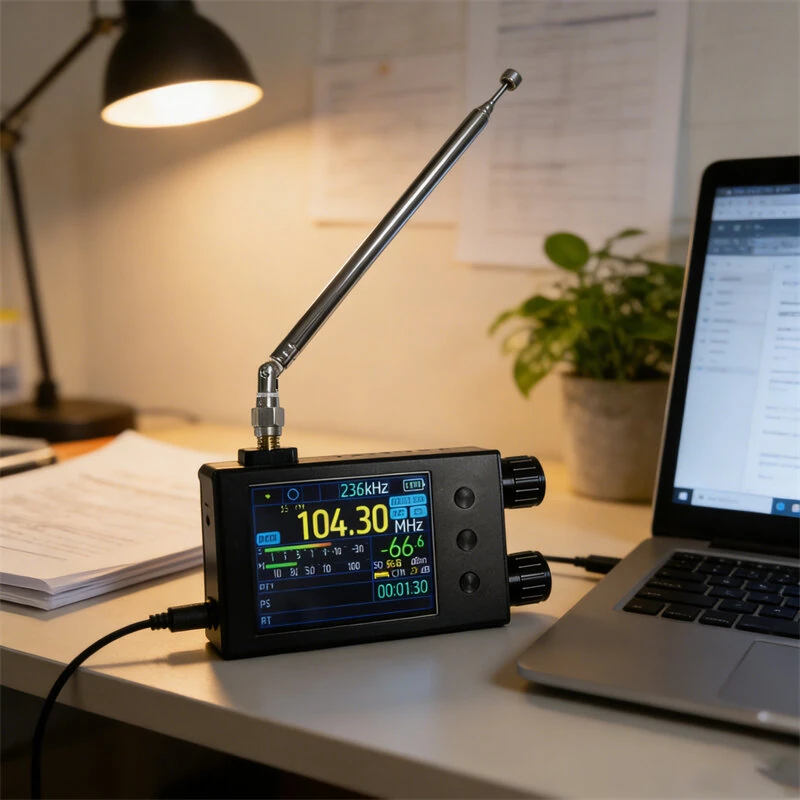
Portable All Band Shortwave Radio - AM FM LW MW SW - 2.8 Touch Screen DSP TEF6686
$65.00
$79.98
-19% OFF
Global Shipping
Easy Returns
Secure Payment
Product Description
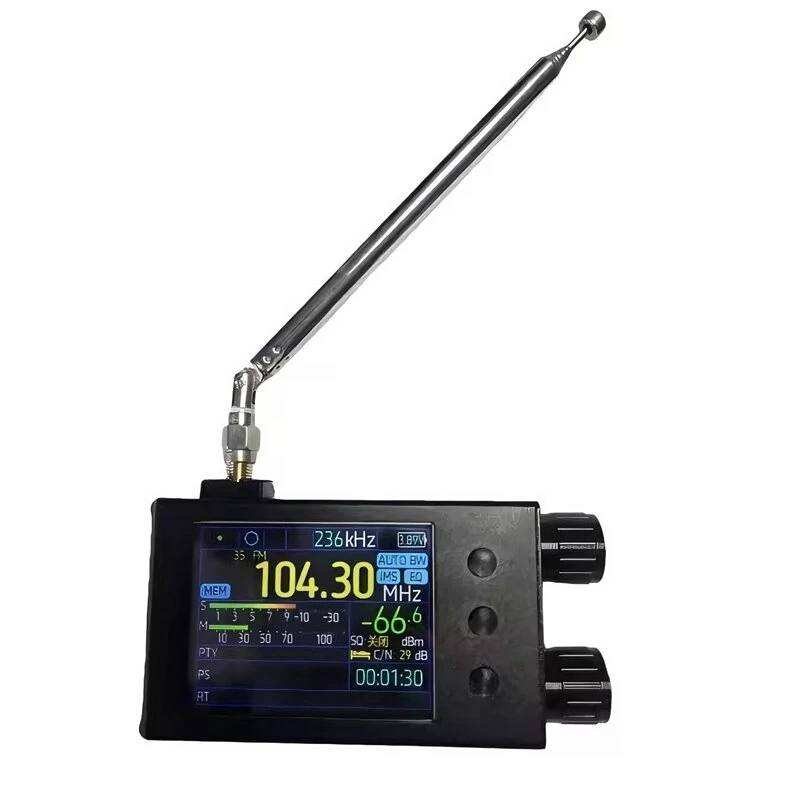
Product Overview:This product is a high-performance digital radio, employing the ESP32-WROOM-32U dual-core Wi-Fi and Bluetooth main control chip. It features a 2.8-inch 320x240 IPS full-view touchscreen with resistive touch operation. It supports FM, shortwave, medium wave, and longwave reception, has a built-in 5000mAh lithium battery providing approximately 15 hours of battery life, and utilizes an independent dual-amplifier design. Equipped with a large speaker and headphone output, it is suitable for various radio listening scenarios.Specification:Main Control Chip: ESP32-WROOM-32U, 4MB Flash, supports Wi-Fi + BluetoothDisplay: 2.8-inch IPS LCD screen, 320x240 resolution, supports resistive touchControl Method: Numeric keypad + rotary knob tuning, compatible with third-party touchscreen firmware
Frequency Range and Steps:FM:65-108MHz (Suitable for Russia/Eastern Europe, OIRT default step 30kHz)76-95MHz (Suitable for Japan)76-108MHz (Suitable for German Broadcasting)87-108MHz (Suitable for Europe/Oceania/Africa/Asia)87.5-108MHz (Suitable for China/USA)FM Steps: 50/100/200kHz, default 100kHzShortwave (SW): 1700-27000kHz, default step 5kHzMedium Wave Medium Wave (MW): 522-1791kHz, default step 9kHz520-1720kHz, default step 10kHzLong Wave (LW): 144-513kHz, default step 9kHz
Receiver:FM: Sensitivity ?? 0.5uV (S/N=30dB), Signal-to-Noise Ratio ?? 60dB (??f=150kHz)SW: Sensitivity ?? 10uV (S/N=20dB), Signal-to-Noise Ratio ?? 60dB (BW=3kHz)MW: Sensitivity ?? 10uV (S/N=20dB), Signal-to-Noise Ratio ?? 60dB (BW=3kHz)Long Wave (LW): Sensitivity ?? 10uV (S/N=20dB), Signal-to-Noise Ratio ?? 60dB (BW=3kHz)
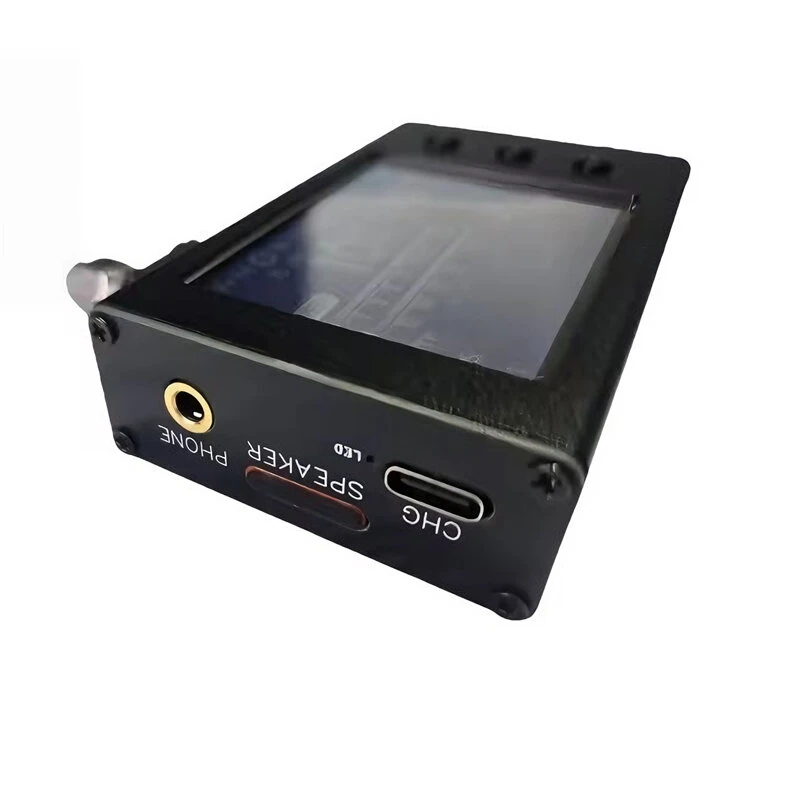
Hardware Configuration:Antenna Interface: Standard SMA external screw internal connector, supports external antennaSpeaker Output: Uses TI TP46211A1 audio amplifier chip, driving a 45x45mm large-size speaker, 4W power, low output noise and low distortionHeadphone Output: Uses MAX97220 headphone amplifier chip, standard 3.5mm audio interface, independent dual amplifier design for speakers and headphones, no interference between themBattery: 3.7V/5000mAh lithium battery, capacity 18.5Wh, dimensions 65x55x10mmCurrent Consumption: Approx. 3.7V/350mA, typical usage time approx. 15 hoursCommunication Interface: Built-in CH340 USB to serial port chip, communication via Type-C interfaceDimensions and Weight: 85mm x 49mm x 23mm (excluding antenna), body weight approx. 500g
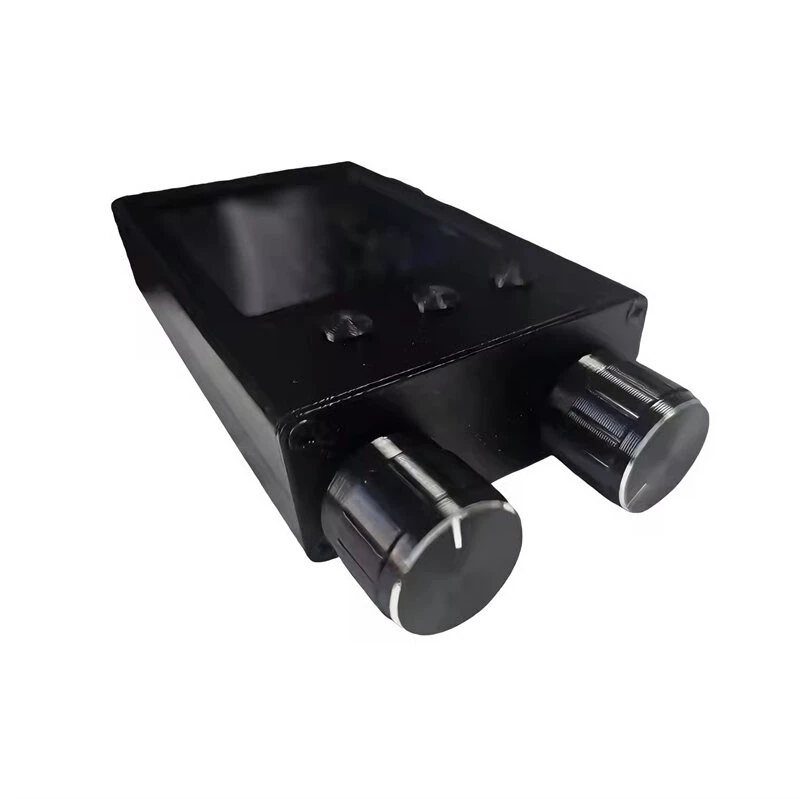
Operating Instructions:Basic Operation:Main Switch (Main Switch): OFF position disconnects the battery; ON position connects the battery. Please set to OFF when the machine is not in use for extended periods.POWER Button: Power button. Short press toggles power on/off.TUNING Knob: Rotate to adjust frequency. Short press toggles function; long press opens TMS and EQ settings.VOLUME Knob: Adjusts volume.SQL Button: Squelch control.
BW Button:Short press in FM mode: Stereo/Mono switch.Long press in FM mode: Demodulation bandwidth switch (selectable between 56, 64, 72, 84, 97, 114, 133, 150, 168, 184, 200, 217, 236, 254, 287, 311kHz and AUTO BW). Alternatively, press and hold the BW button while rotating the TUNING knob to select.Short press in AM mode: Switches demodulation bandwidth (between 3, 4, 6, and 8 kHz).
MODE button:Short press: Cycles between MAN (Manual Tuning), AUTO (Automatic Tuning), and MEM (Station Storage) modes.Long press: Opens the menu page.
BAND button:Short press: Switches bands, cycling through LW, MW, SW, OIRT, and FM.Long press in FM mode: Opens the advanced view or Alternative Frequency view.Long press for more than 5 seconds: Enters sleep or screen-off mode.
Storing Station Settings:Turn to the frequency you want to store.Press the MODE button until the "MEM" indicator on the screen is highlighted.Press the TUNING button; "MEM" will turn red.Select the desired preset channel number (displayed in blue. Red indicates that the channel is already stored, green indicates it is empty).Press the TUNING button again to complete the storage.
Advanced Operations:Change encoder direction: Press and hold the BW button while powering on.Rotate screen: Press and hold the MODE button while powering on.Restore default settings: Press and hold the BW and TUNING buttons simultaneously while powering on.
Package Included:1 x Radio main unit1 x Lithium battery1 x Type-C data cable1 x Instruction manual
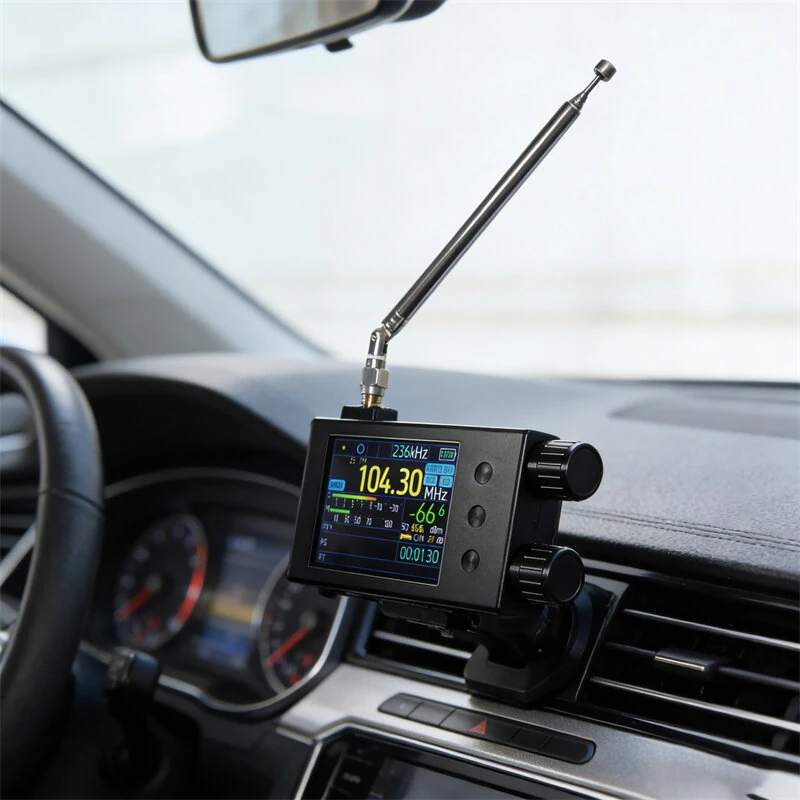
Suitable scenarios:Broadcast listening, emergency radio, amateur radio, teaching demonstrations, outdoor travel, etc.
Customer Reviews
No reviews yet. Be the first to review this product!