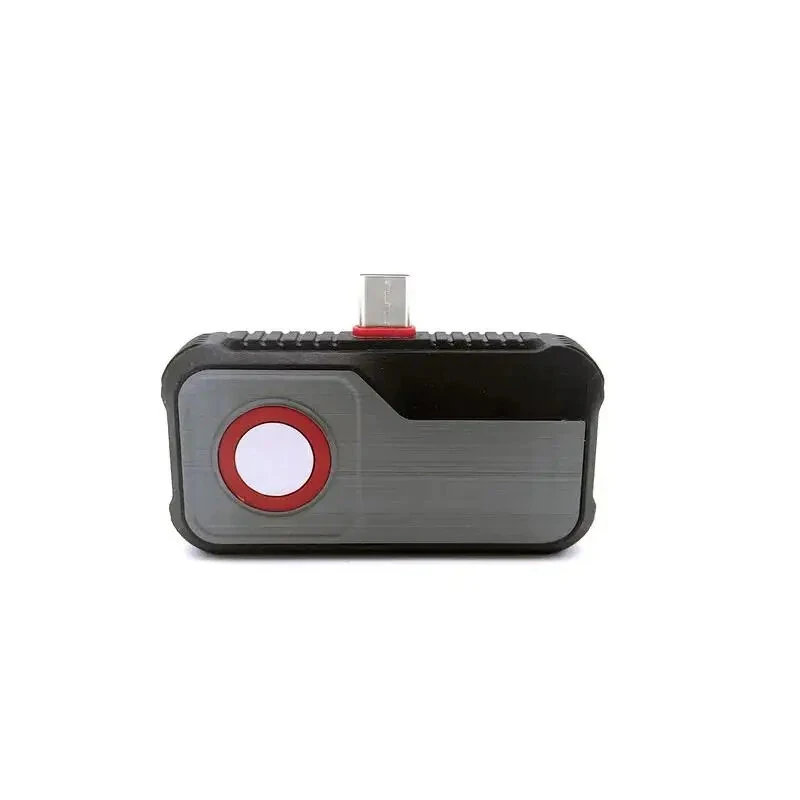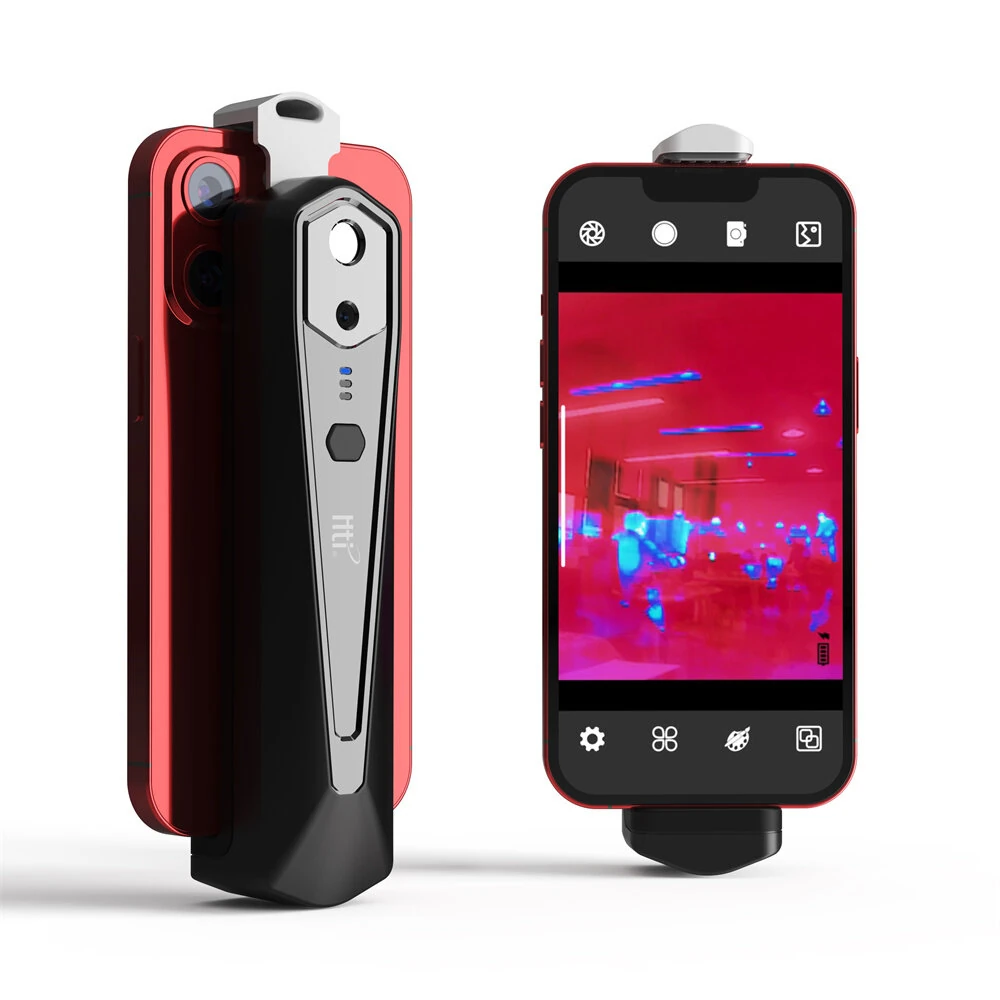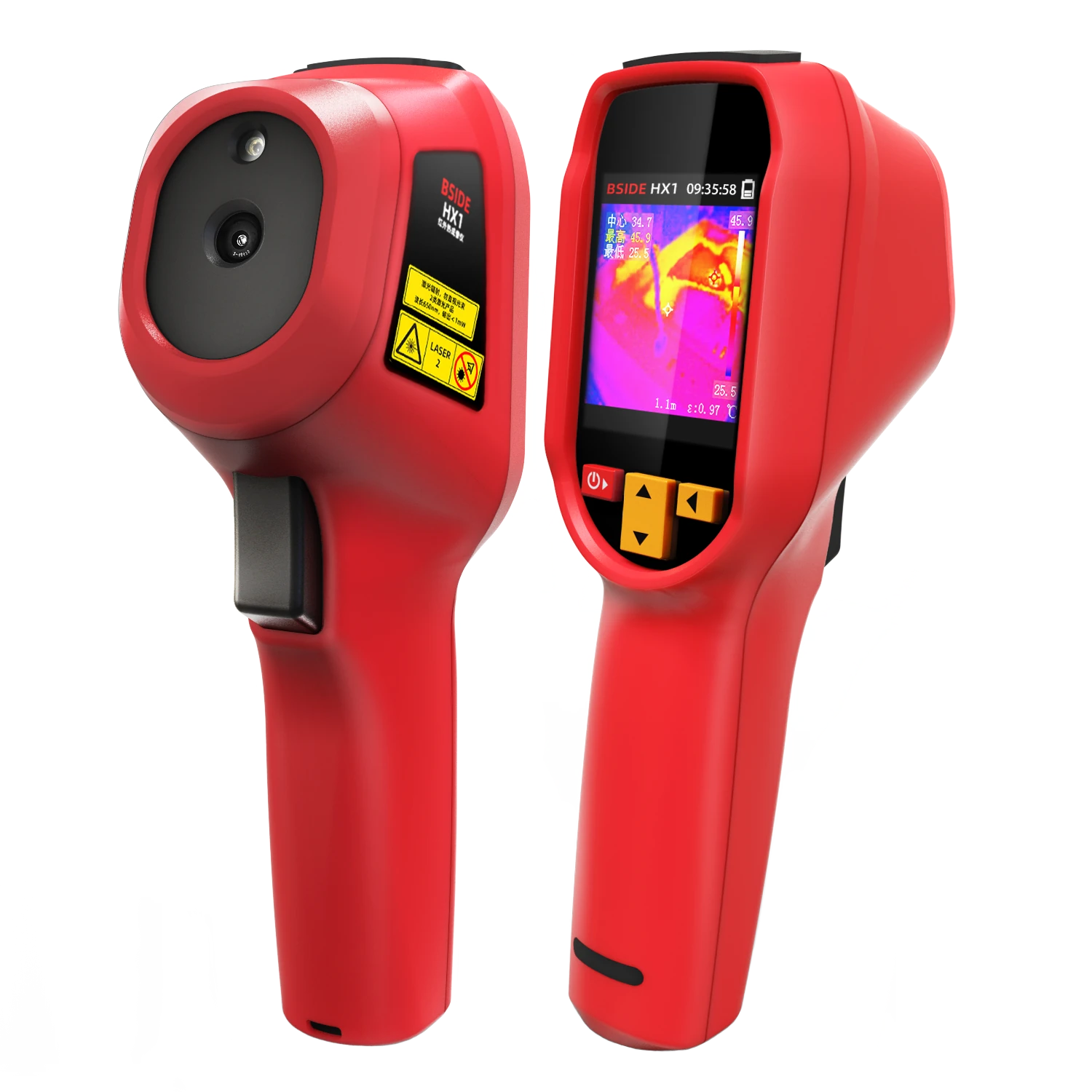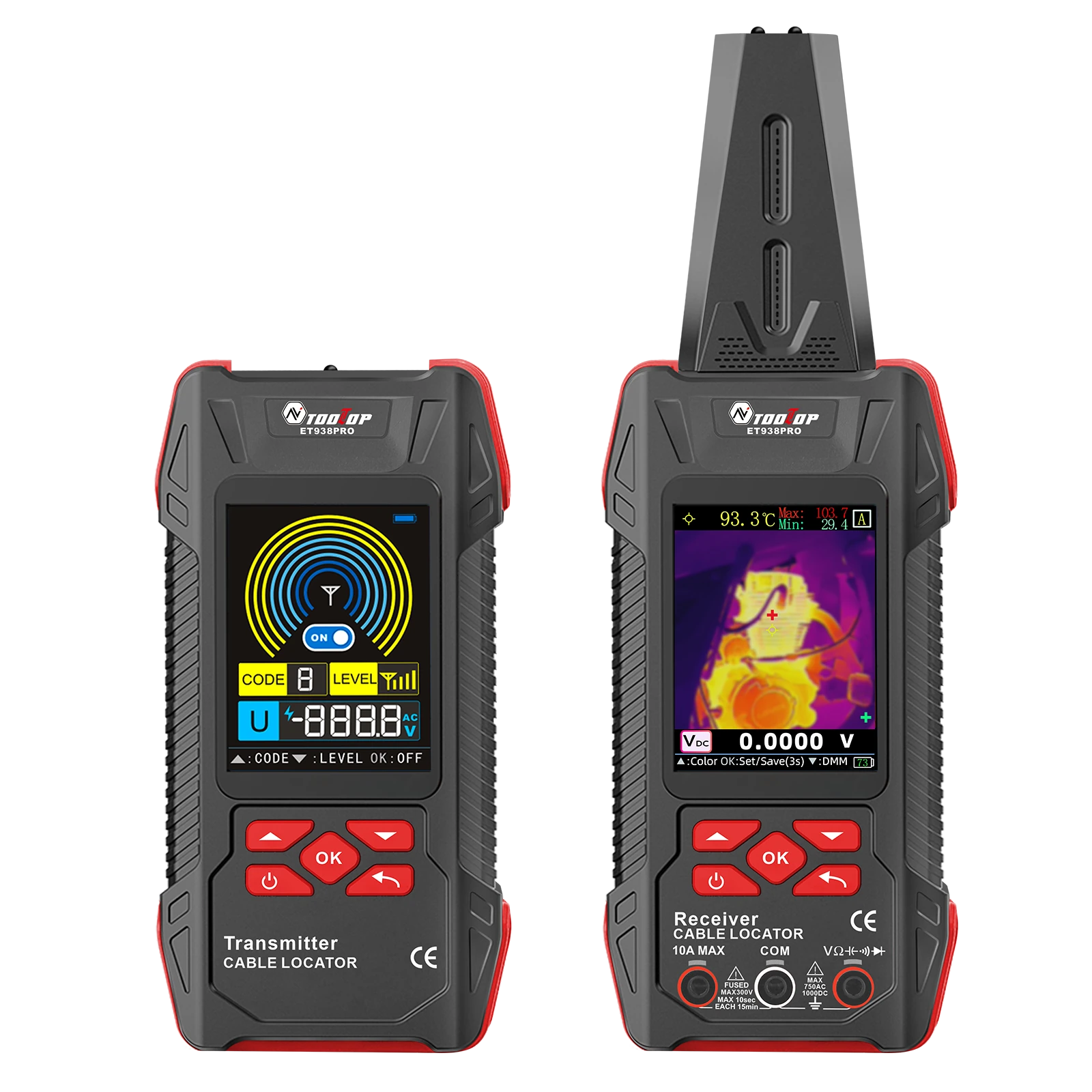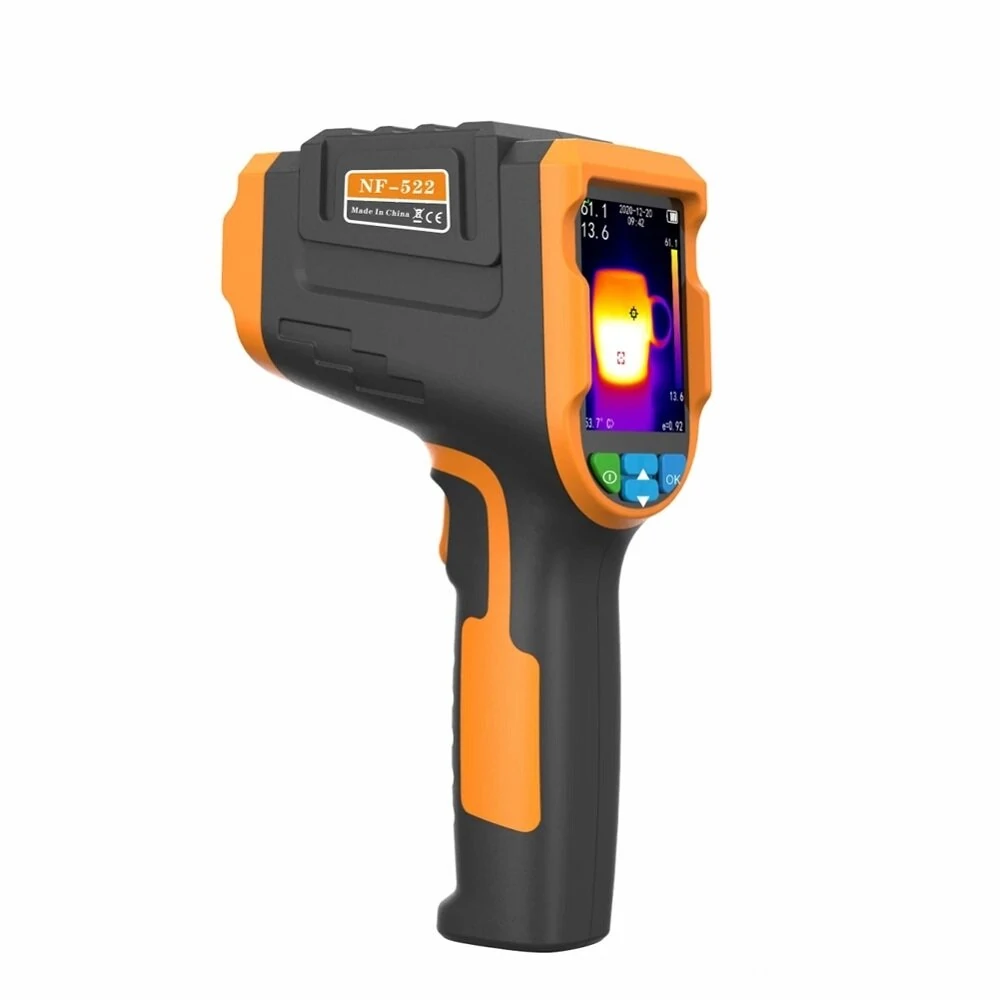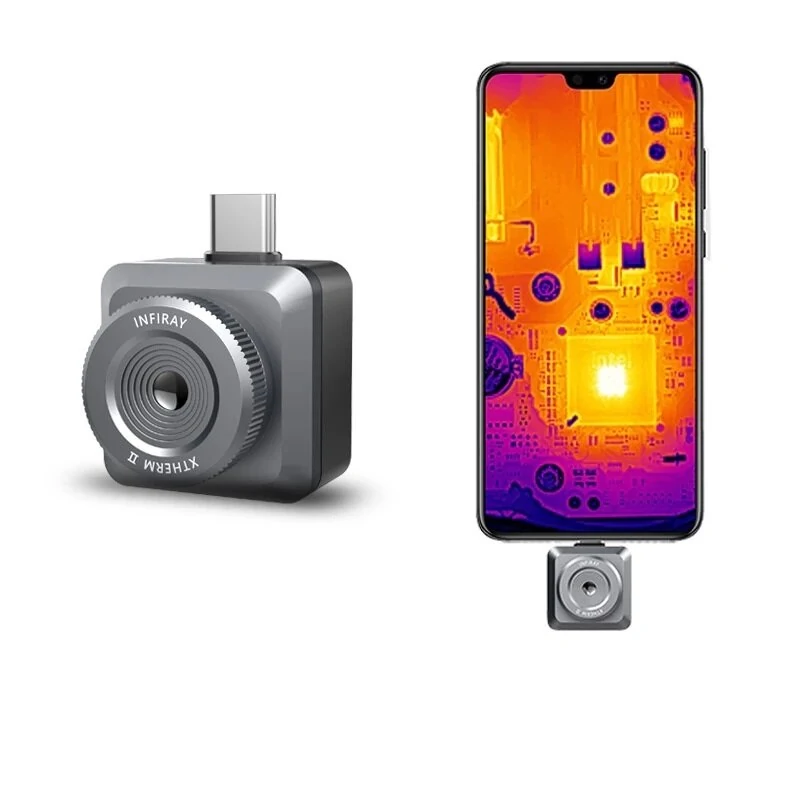
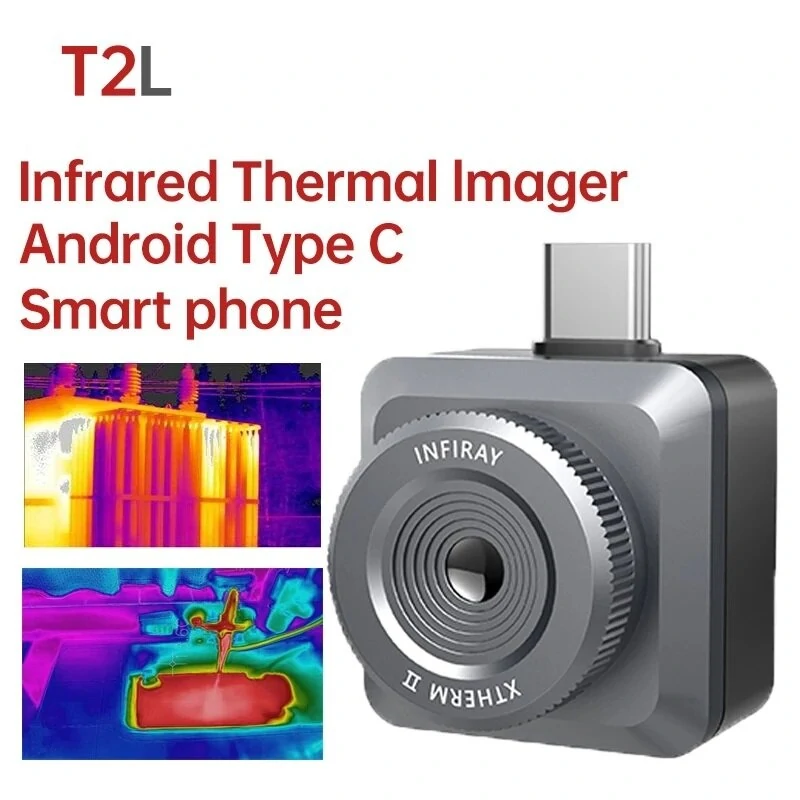
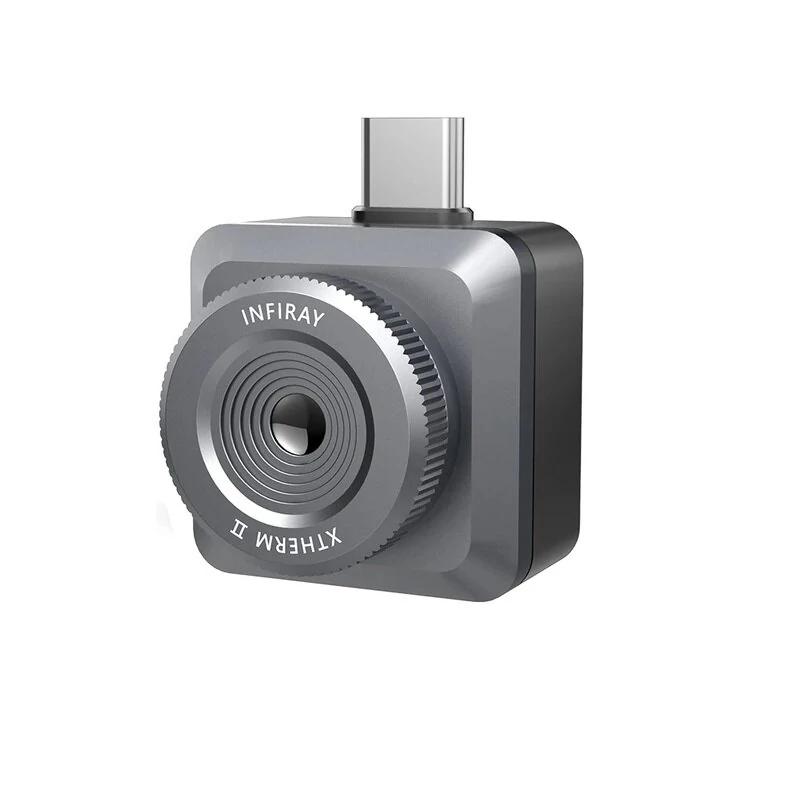
InfiRay T2L Thermal Imager Camera | 256x192 IR | Android Phone Thermometer
$281.00
$345.58
-19% OFF
Global Shipping
Easy Returns
Secure Payment
Product Description
>>Note: PC notebook, you need to connect with a data cable, and then open a software.<<
T2L Xtherm APP - Google Play
Tipes: The following mobile phone models are not compatible with this product:
SMS A41 ??SMS A13 ??SMS A31 ??SMS Note 10 ??
SMS S21 ??SMS S20 ??SMS A12 ??SMS A32 ??
SMS A11

Description:
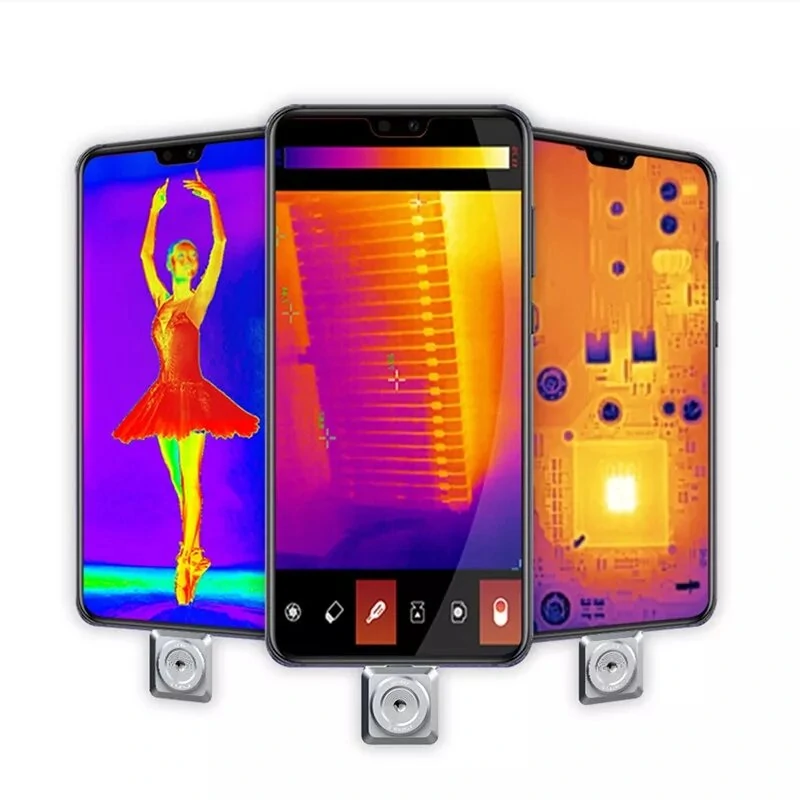
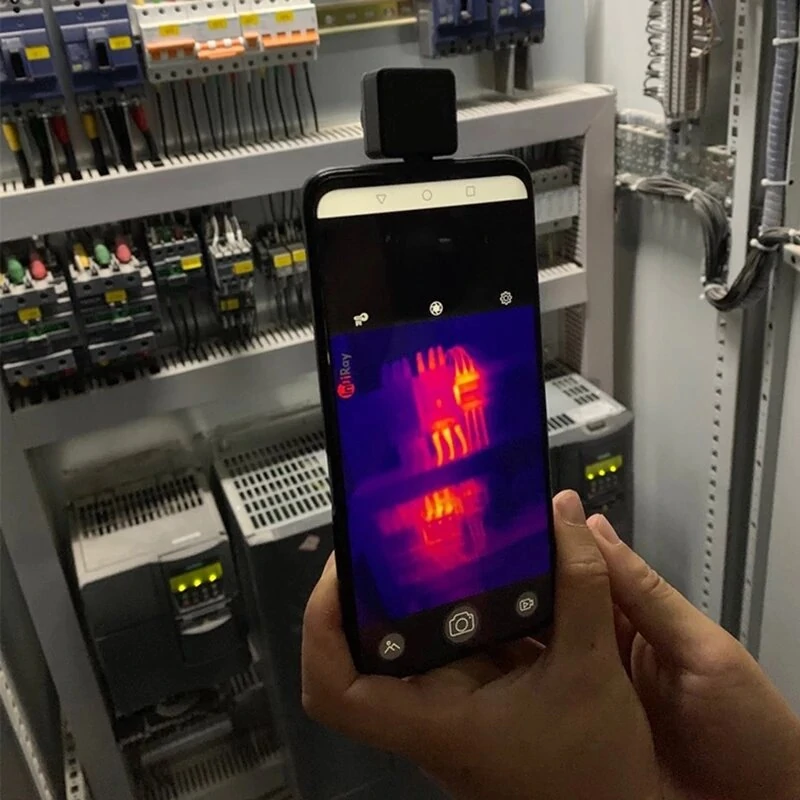
T2L adopts InfiRay? high-performance infrared tester with a small size, light weight, low power consumption, and strong performance. After connecting to the mobile phone, It is plug and play to open the new infrared vision. It can be widely used in various application scenarios, such as professional testing instruments/meters/circuits, moisture leakage/wall cracking/floor heating fault, and hotel camera checking.Support the mainstream mobile phone systems, and some systems are not tested.
Specification:
Model: T2LResolution: 256??192Pixel Pitch: 12??mFocus Mode: ManualFrame Rate: 25HzOperating Temperature: -10?桫+50??Measuring Range: -20??~+120??Measuring Accuracy: ??3?? or ??3% of the reading (The larger one shall prevail.)Temperature Correction: Manual/AutoPower Consumption: <350mWWeight: 18gDimension: 26??26??26.6mmSupport System: Android 6.0 and aboveImage Enhancement: Digital Detail Enhancement (DDE)Image Correction: ManualPalette: White hot/Black hot/Iron red/Rainbow/High-contrast rainbow/Iron graySecondary Development: Provide SDK for enterprise customersTemperature Statistics: Support max/min/center temperature display and temperature statistics of point, line, and areaVideo Storage: Support taking and saving photos and videosSoftware Update: Support online software updating
Package Included:
1 x Thermal Imager 1 x Type-C Cable1 x Manual1 x Packing Box
>>>Manual: Click here to open<<<
>>Please click here to download the CE certificate<<
>>Please click here to download Windows SDK demo<<
Common Problem:1. Q: Why can't the image of OPPO, VIVO, IQOO mobile phone be displayed after connecting?A: The method is as follows: mobile phone settings option ?D search bar ?D input OTG ?D after finding the option, set it to the on state.2.Q: If it is an old mobile phone, how to connect the thermal imager if the interface is Micro?A: Need to use Type-C female port to Micro male port adapter to use, and must support OTG function.3.Q: Can the Apple version and the Android version be compatible?A: No. These are two completely different systems, and the interface hardware is essentially different, so they cannot be used universally through adapters.
Details Pictures:
Customer Reviews
No reviews yet. Be the first to review this product!