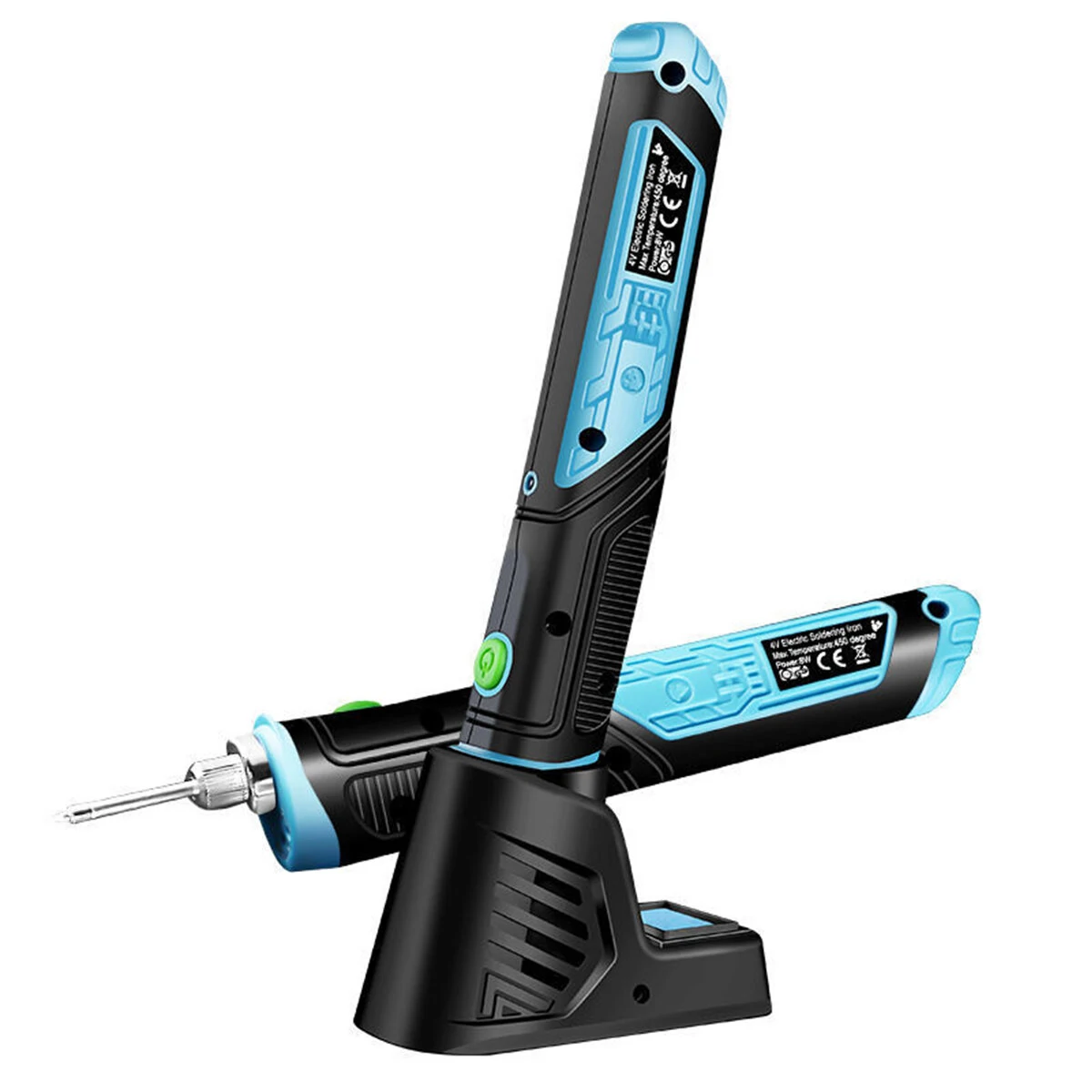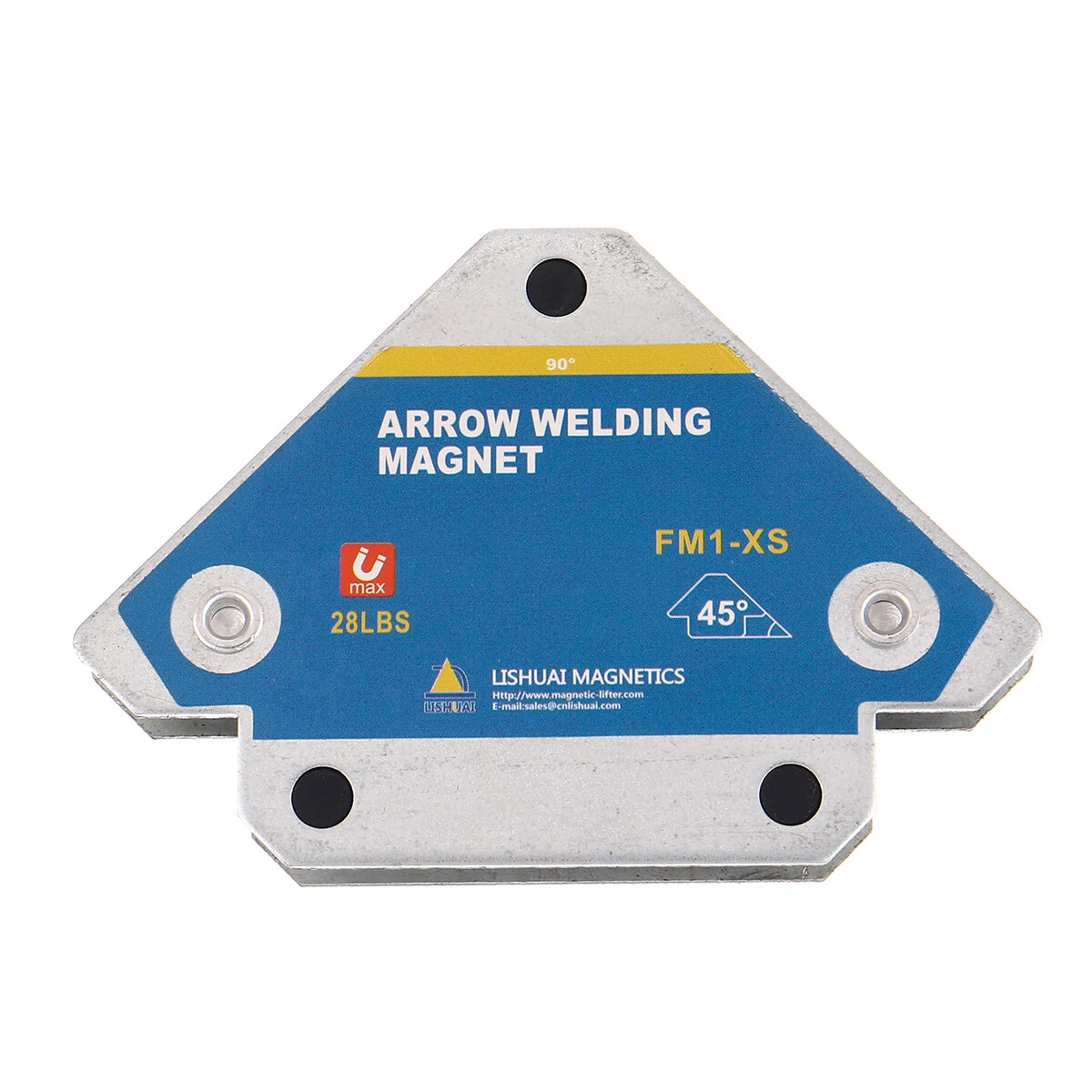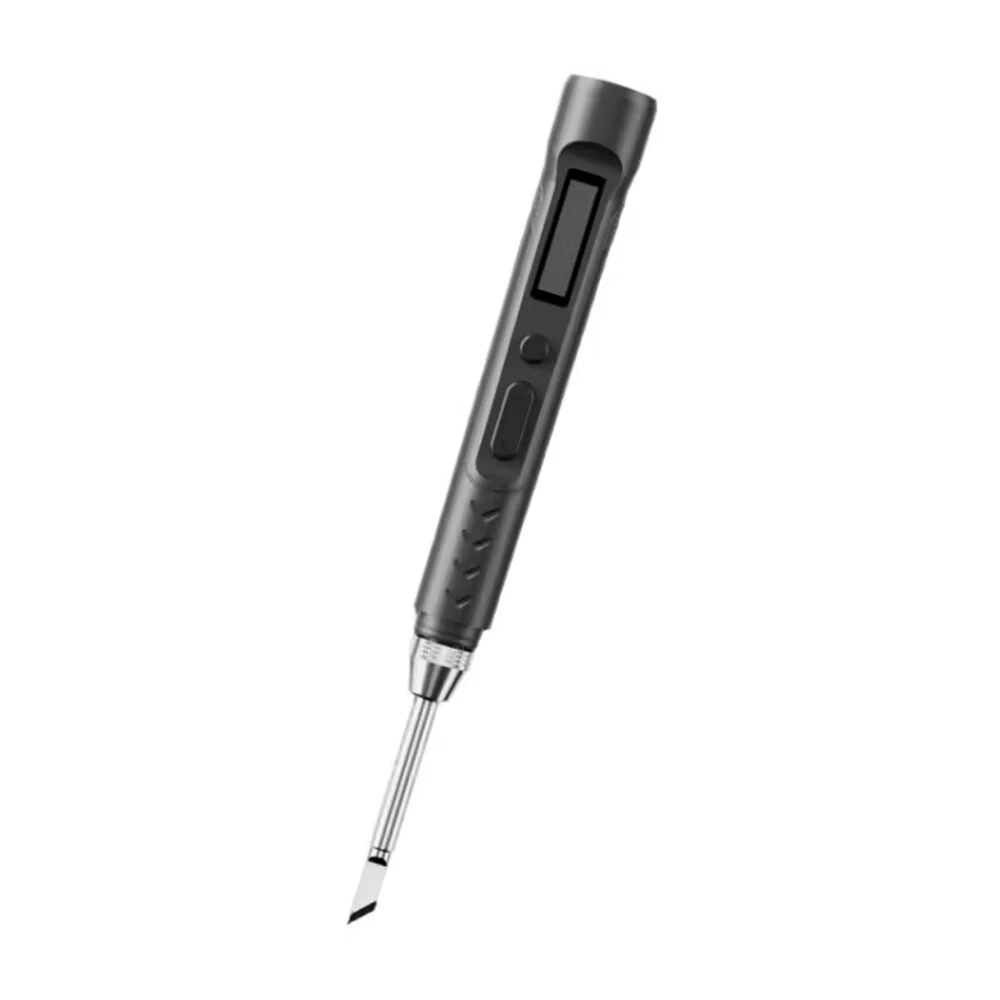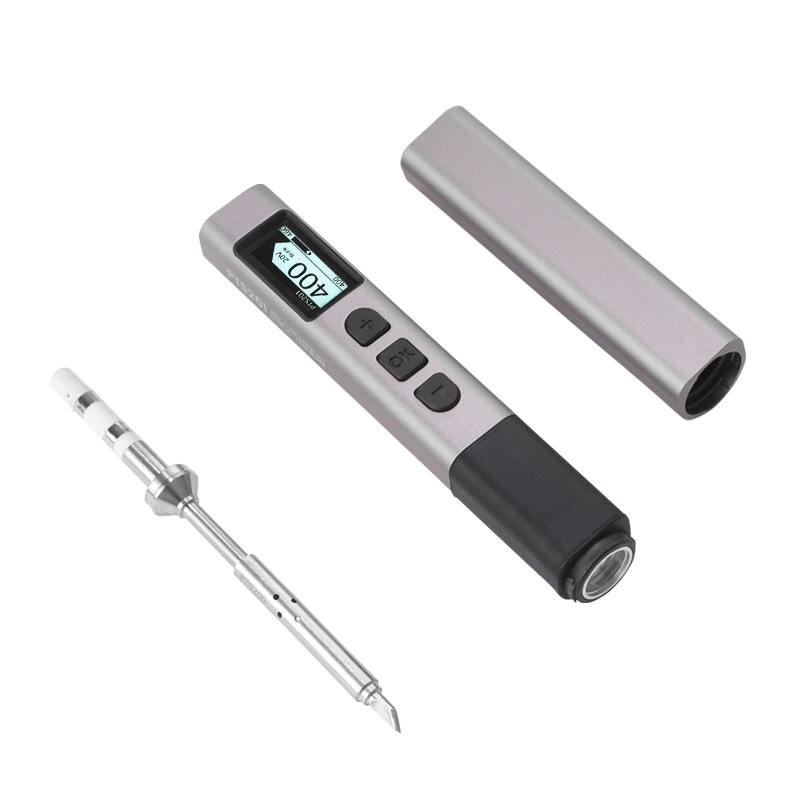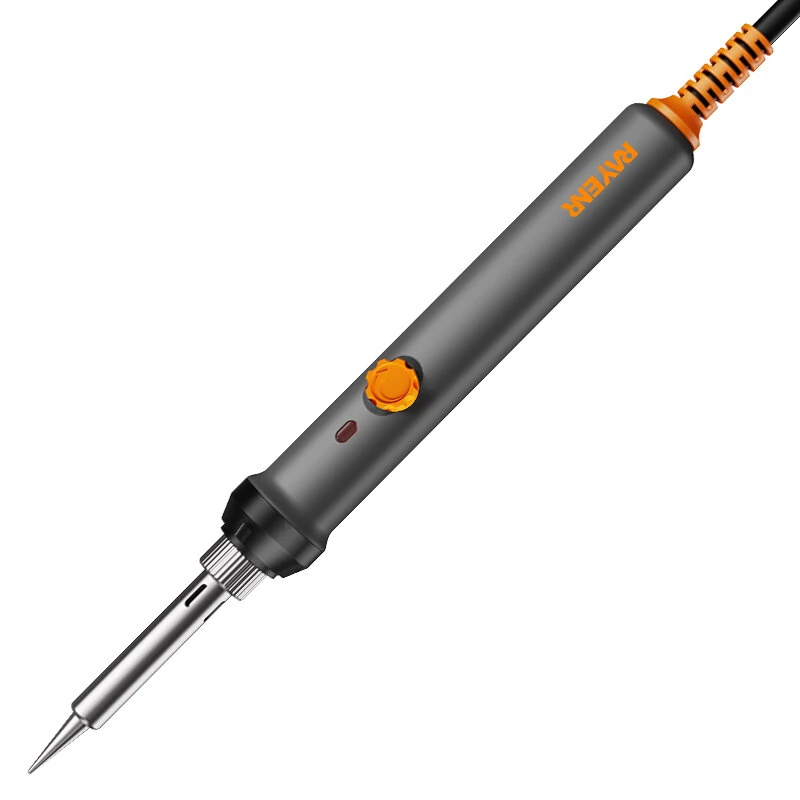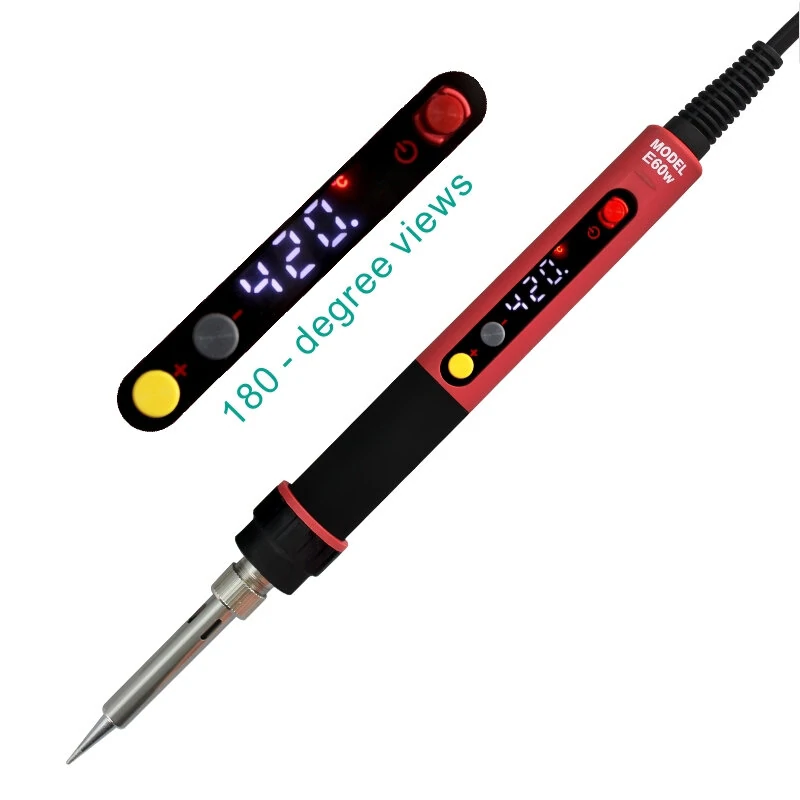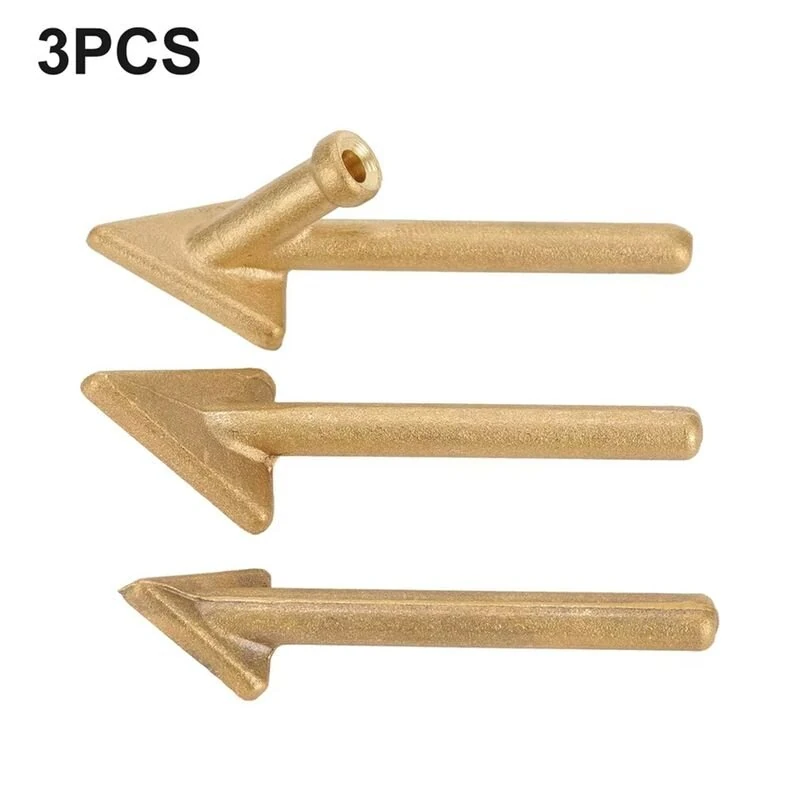
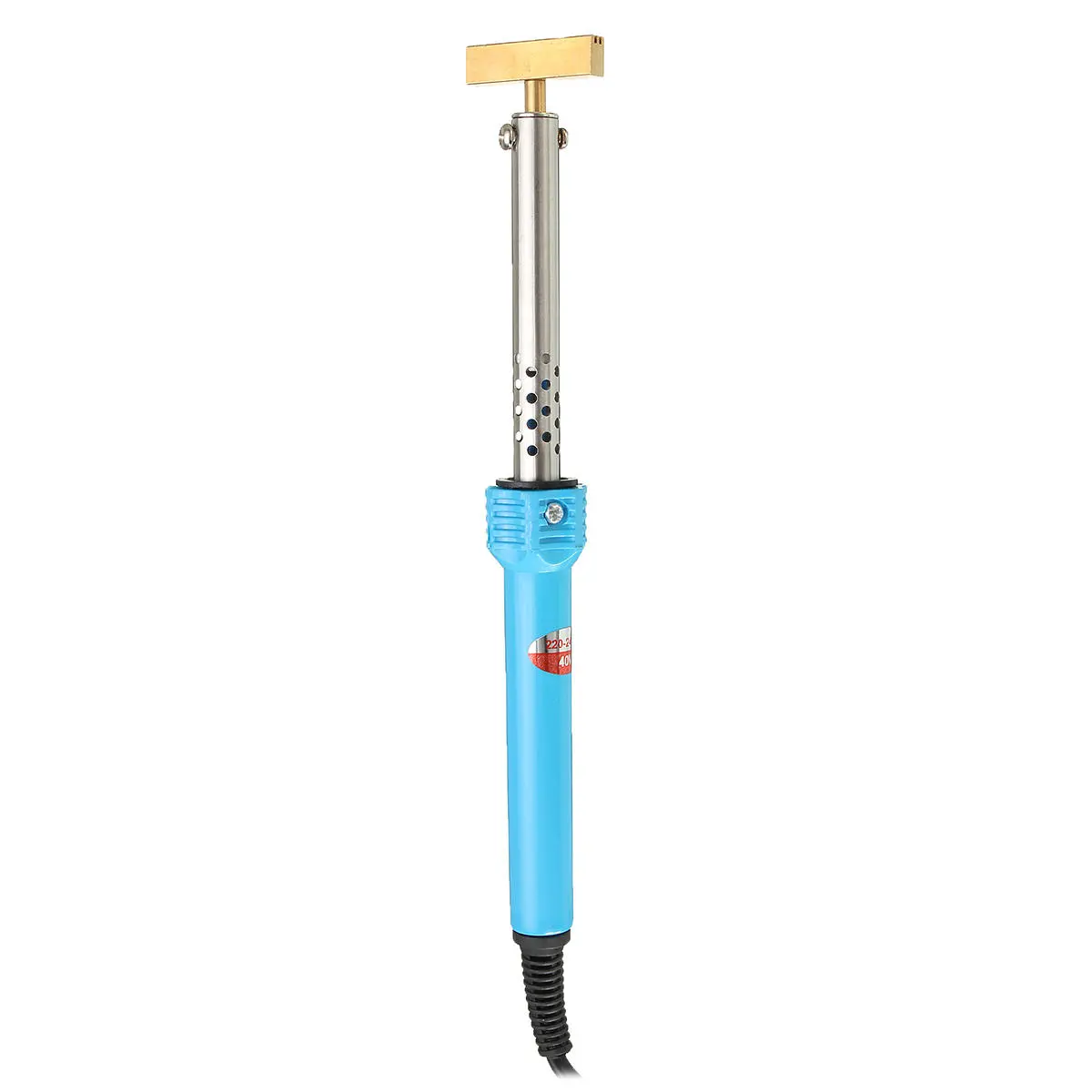
SAAB 9-3 9-5 SID1 SID2 LCD Pixel Ribbon Cable | T-Iron Welding Repair Tool
$18.00
$22.38
-20% OFF
Global Shipping
Easy Returns
Secure Payment
Product Description
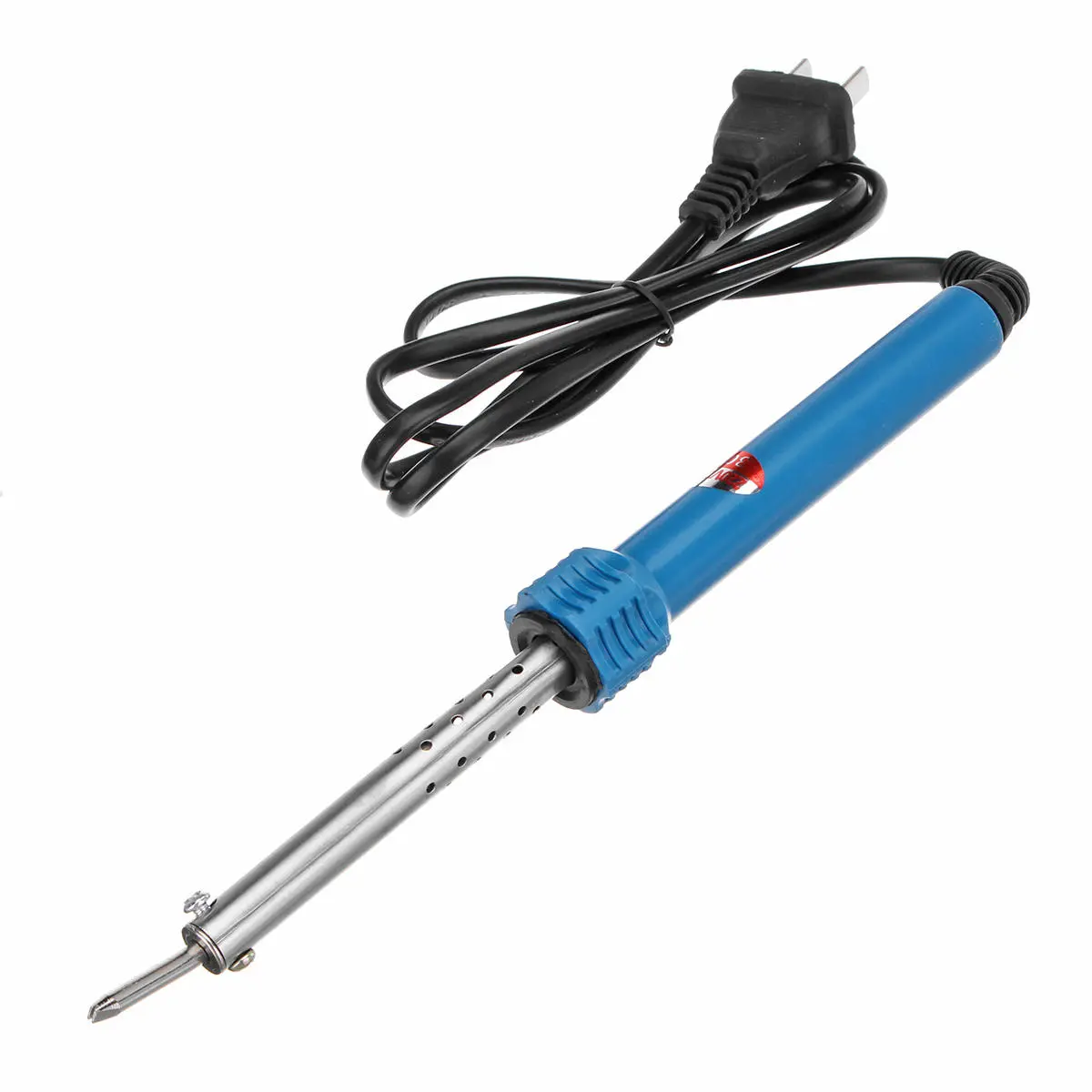
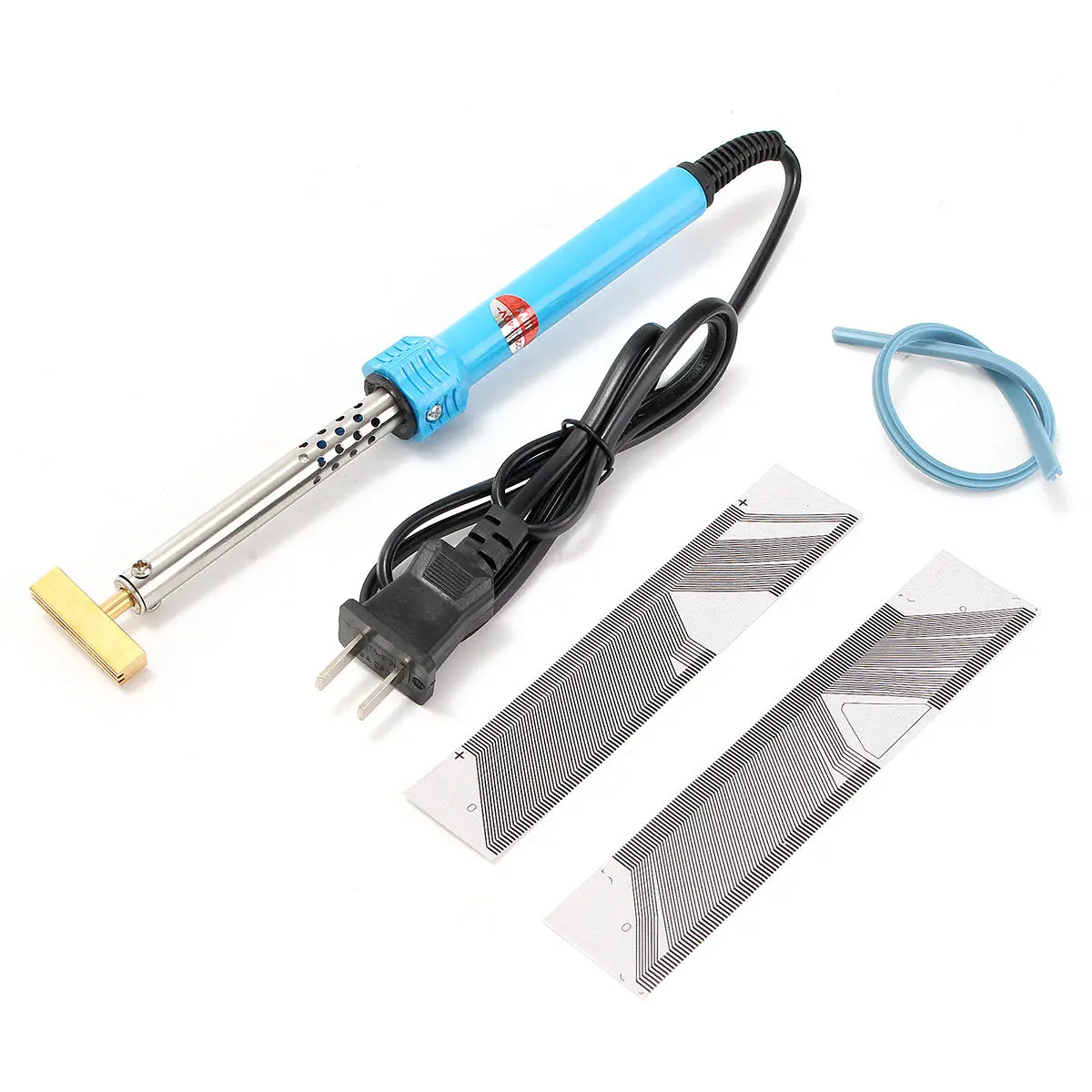
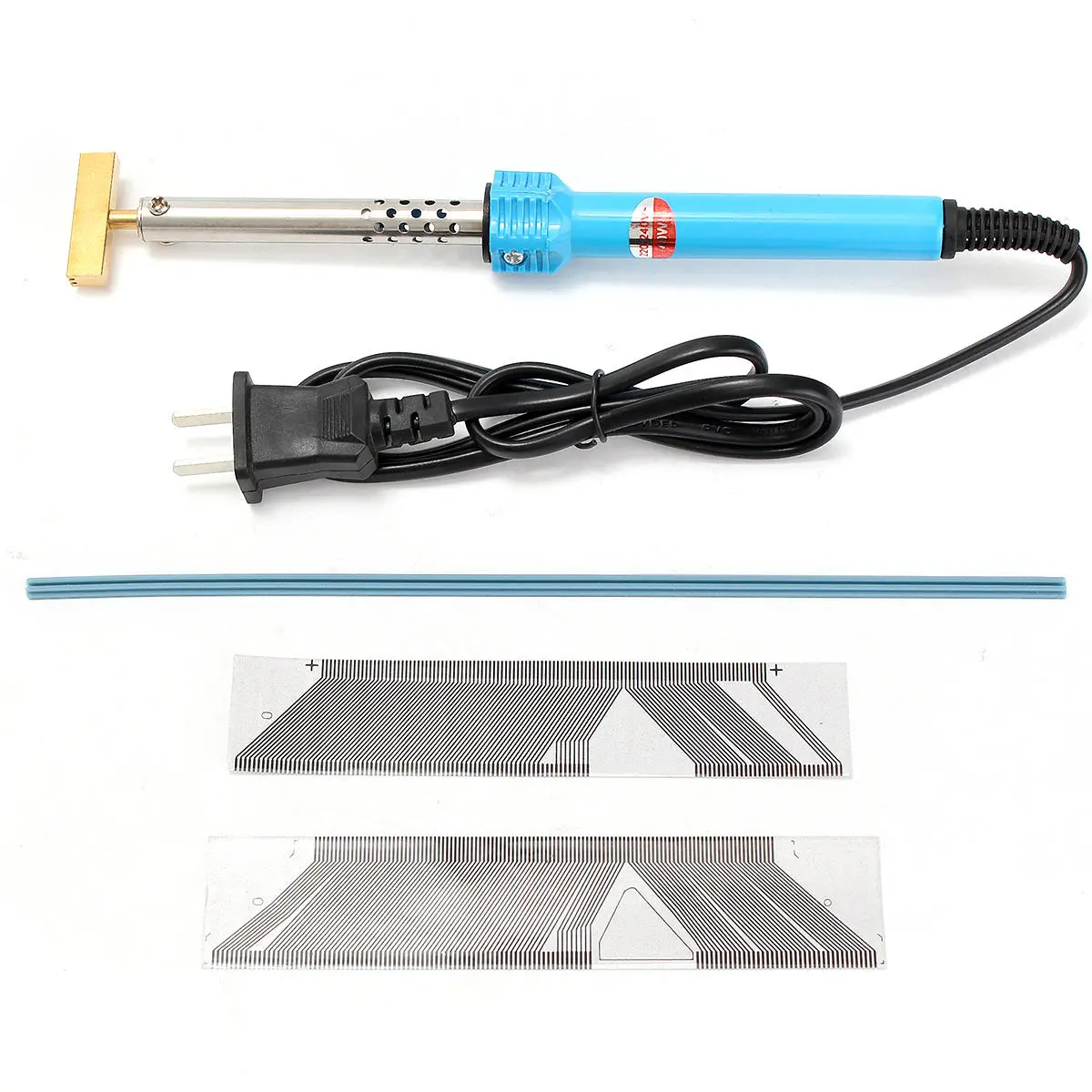
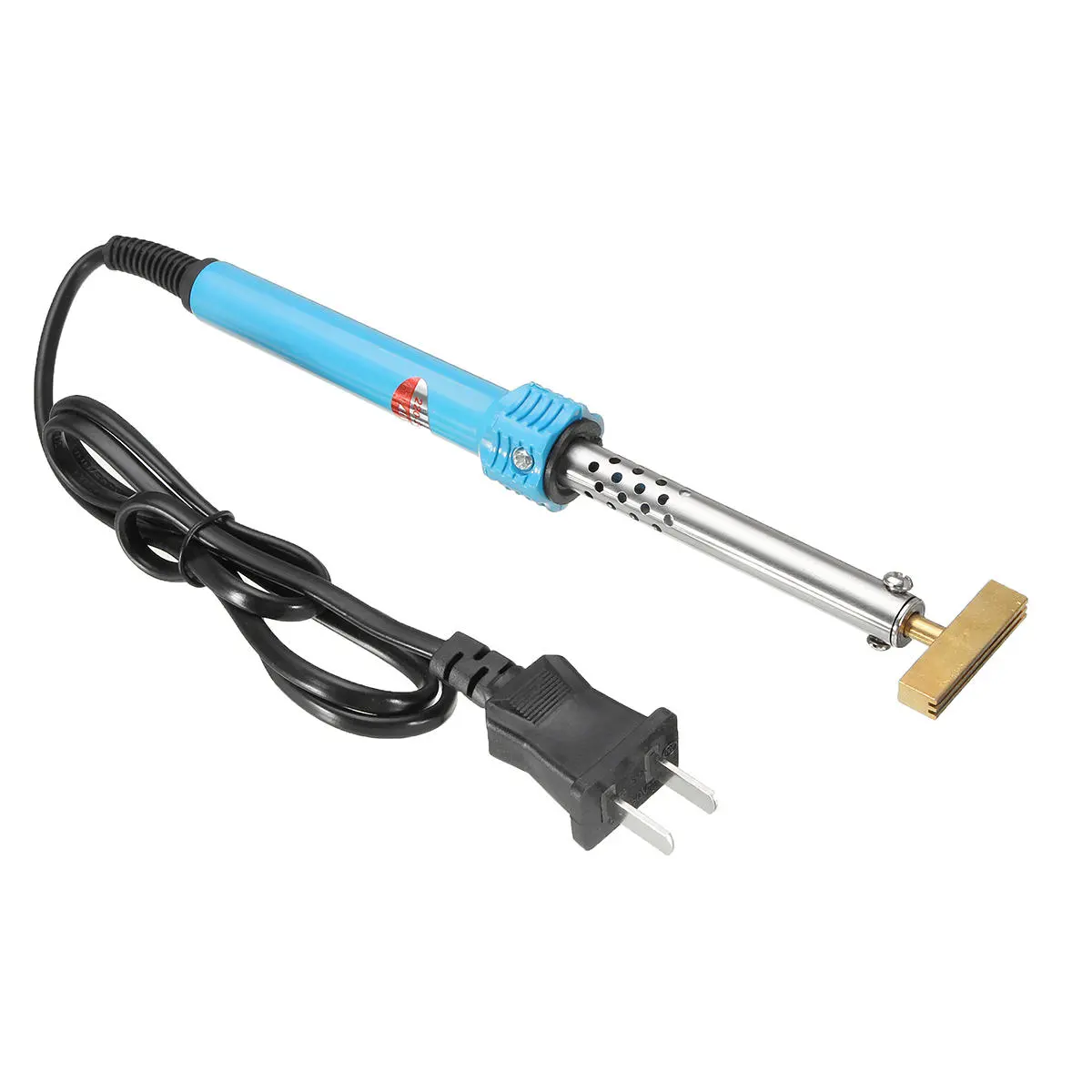
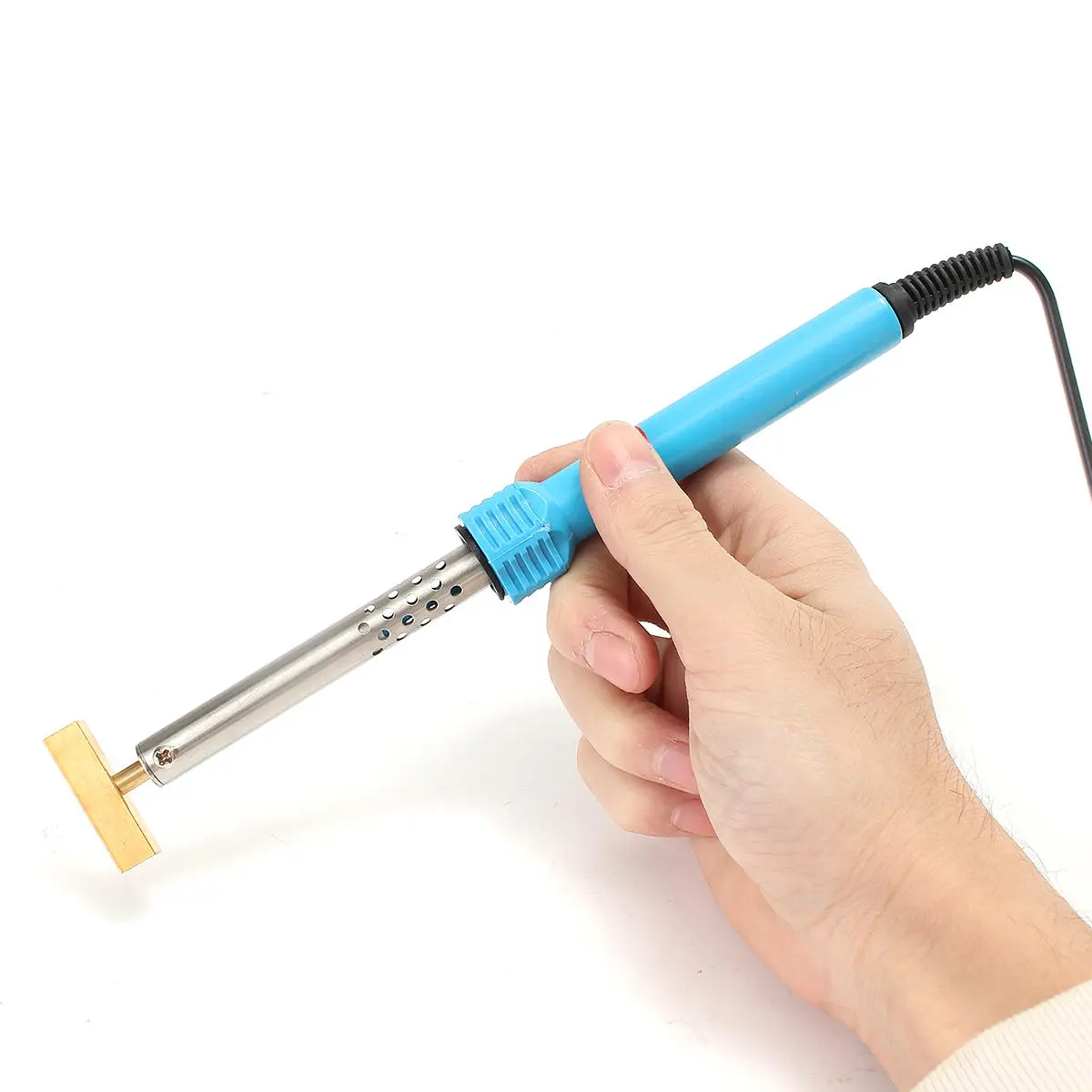
Features: 1. AAB 9-3 and 9-5 models all have the very common LCD display failure on the SID and the AC unit, which ends up in missing or fading pixels on the screen. 2. The pixel problem lies with the ribbon cable that connects the LCD display to the circuit board of the SID and the AC unit. 3. Dead and fading LCD pixels can be restored DIY simply replacing the faulty ribbon cable. 4. LCD pixel failure repair kits, ribbon cable light bulb, background light lamps are now available for DIY repairs. Specification: Voltage: 220V Power: 40W Soldering Iron Length: Approx. 24cm Power Cord Length: Approx. 138cm Note: This item comes with US Plug Support: SAAB 9-3 9-5 SID 1 and SID 2 LCD pixel failure repair tools Instructions for use:1. Check whether the actual voltage. 2. Solder iron should keep dry, forbidden in damp or used after the rain. 3. New iron first use, because of the electric heating element power on heat and possible slight smoke, is normal phenomenon, soon will disappear. 4. Alloy nozzle it is strictly prohibited to fix file, such as the discovery of the tin can be used.when activated flux, the tin can use. 5. Banned in energized the replacement parts. How to solder:
1. Clean the parts to be joined. 2. Clean soldering iron cover and "tin" all faces of tip with a coating of solder. 3. Heat parts (not solder) to be joined. 4. Apply flux-core solder to heated parts, not the soldering cover, and heat it till solder melts and flows freely. Note:
1. A smoke will be normally come out for a short while at initial use. 2. Use with soldering stand to avoid any part of body get burnt. 3. Don't pull the cover away when soldering iron still hot otherwise heating element may be burnt out. 4. Cool down naturally after use.
Package includes: 1 x SAAB 9-3 9-5 SID 1 LCD pixel failure repair tools 1 x SAAB 9-3 9-5 SID 2 LCD pixel failure repair tools 1 x 220V Electric Soldering Iron With T Head 1 x Soldering Rubber Strip Details pictures:
Customer Reviews
No reviews yet. Be the first to review this product!