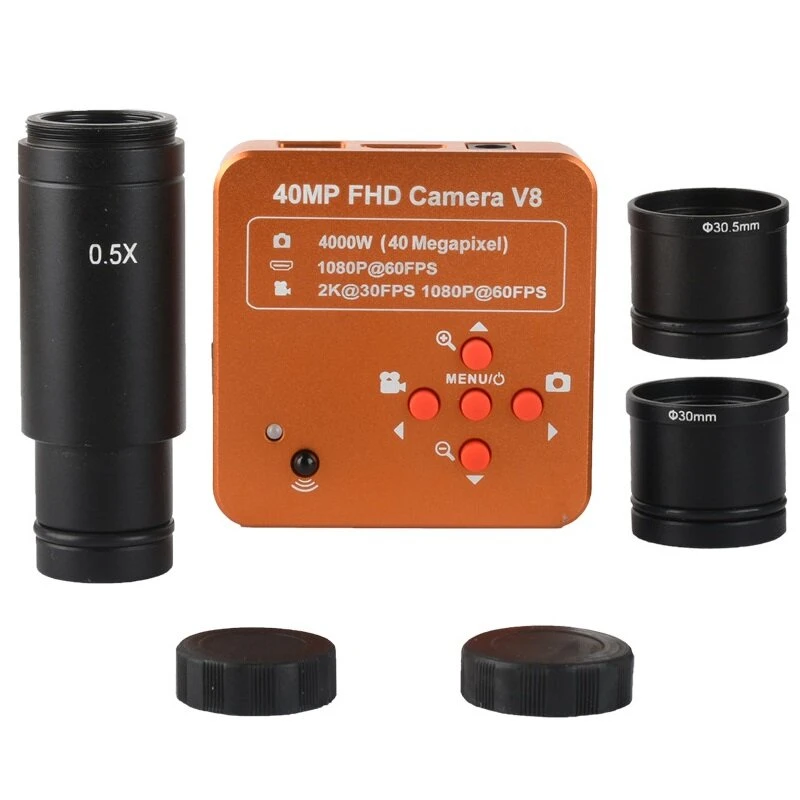
KOPPACE 40MP Microscope Camera - 0.5X HDMI Electronic Eyepiece | 23.2-30.5mm Adapters
Product Description
Specification:
Model | KP-4100-05X |
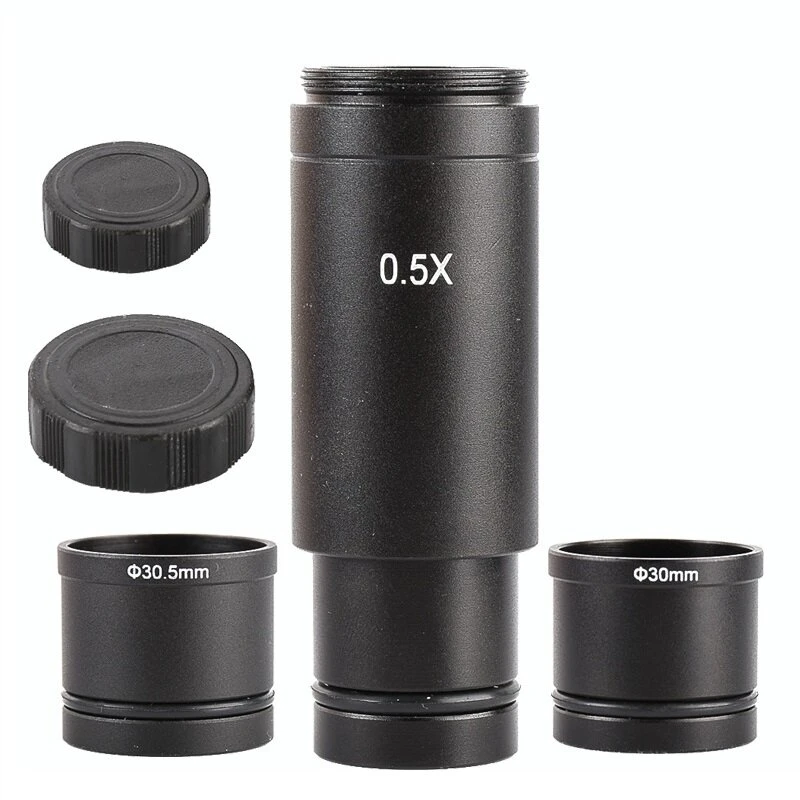
Characteristic | Two ring adapters including 23.2mm to 30mm and 30.5mm |
Sensor | 40 million pixels CMOS Sensor |
Optical format | 1/2.33 inch |
Pixel size | 1.335??m??1.335??m |
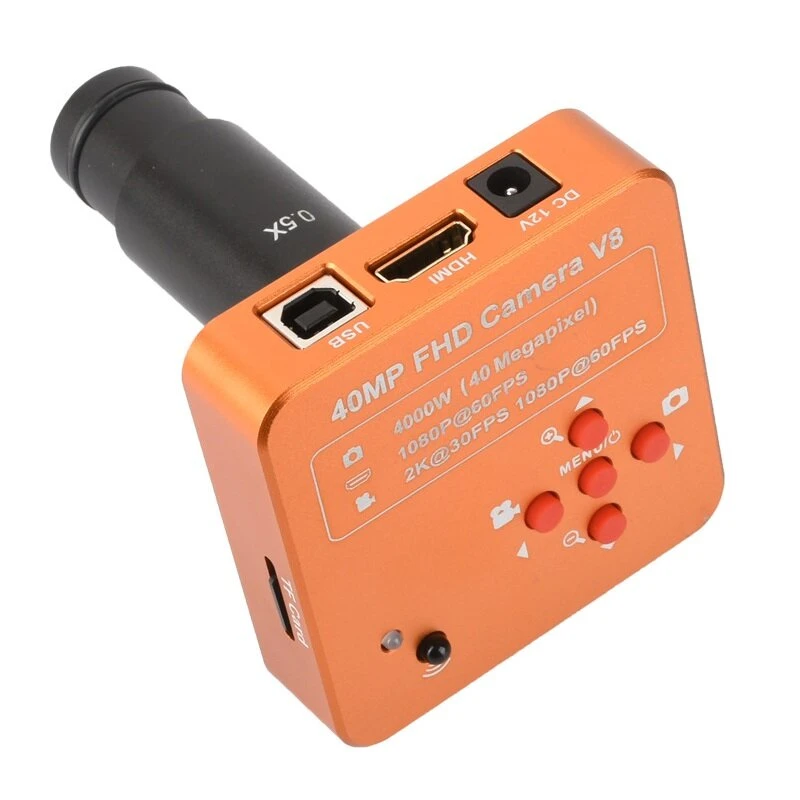
Interface | HDMI(Type A),USB(Type B),TF Card |
Image resolution | 8432*4744 (for TF Card), 1920x1080(for TF Card) |
Video record resolution | 2K@30FPS,1080p@60FPS |
HDMI Resoltion | 1920*1080p 60FPS |
HDMI proportion | Support 4:3, 16:9, 16:10 screen |
USB2.0(Drive free) | 1920*1080@30 1280*720@30 640*480@30 |
TF card | MAX 64GB |
White balance | White balance color correction/Auto/Manual |
R,G,B value setting independent | |
Exposure | Auto/Manual.AE value can set |
Cross lines | 8 lines.Can set color& width& position |
Scale mark lines | 2 lines. |
Dotted lines | 2 lines.Can set color& width& position |
Sharpness Contrast Color gain | Support |
Mono Negative | Support |
Mirror | Horizontal vertical mirror |
Language | English/simplified Chinese |
Digital Zoom | Support |
IR remoter | Support |
Voltage in | DC 12V (5-19V),55-21mm size |
Power consumption | MAX 0.15W (12V,0.12A) |
Lens interface | C/CS |
Package includes:
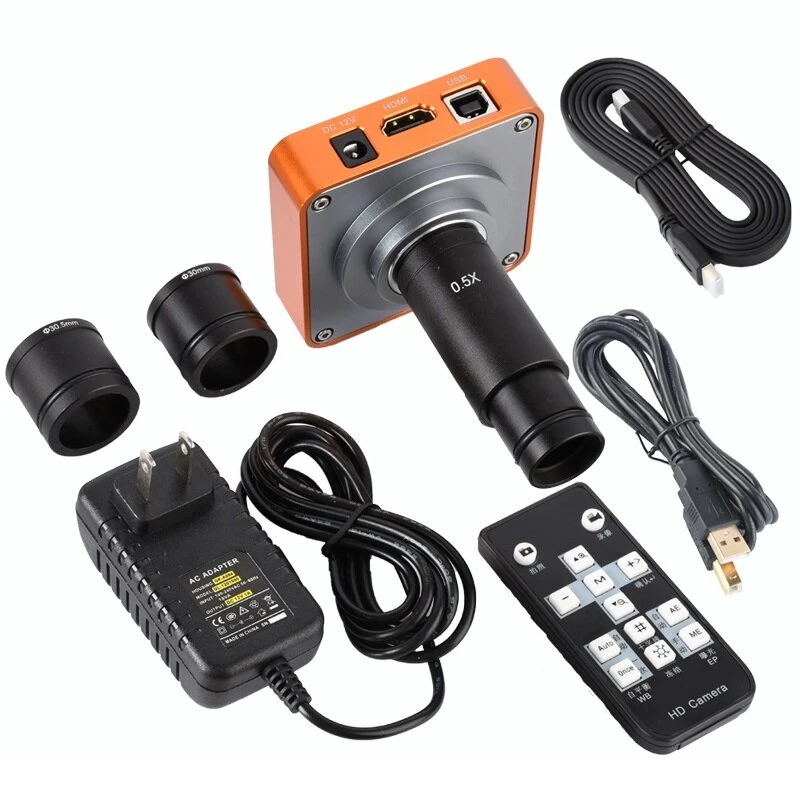
40 MP microscope camera *1
HDMI high definition line *1
USB data line *1
The camera power adapter *1
CD drive *1
Remote control *1
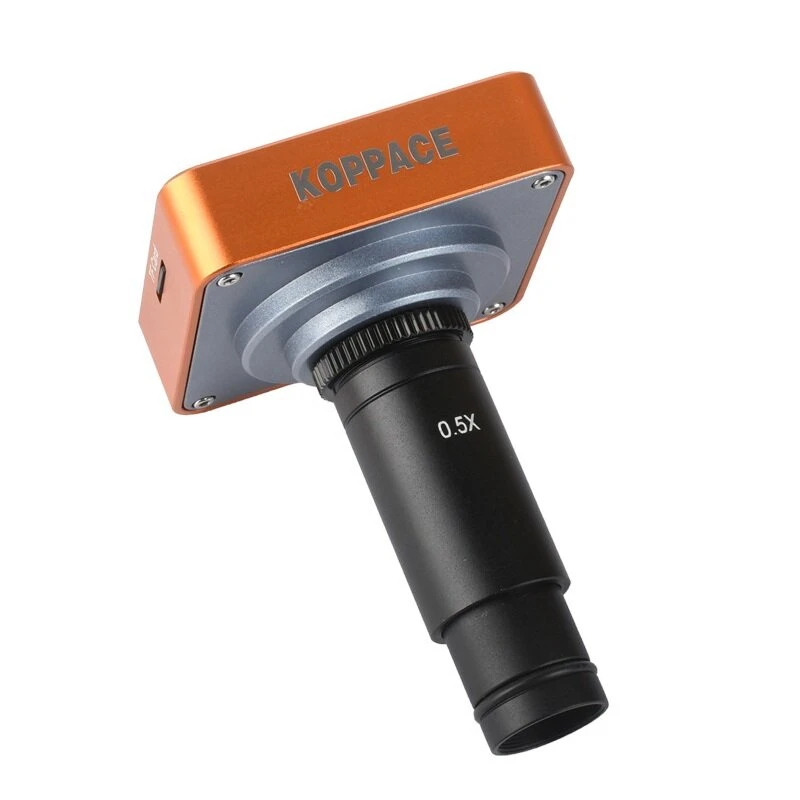
0.5X C-Mount Lens Adapter *1
Ring adapters 30mm *1
Ring adapters 30.5mm *1
Note:
1. This product is mainly HDMI output,USB connected computer can only display images,The monitor can be displayed simultaneously with the connected computer, but the parameters cannot be adjusted when connected to the computer To adjust the parameters, you need to connect the monitor to adjust.
2. Remote control can not be used when connecting computer;using remote control to adjust parameters needs to be in HDMI connected monitor state.
3. Connected to a computer to provide professional imaging software that can be measured (requires a separate calibration scale)
Details picture:
Customer Reviews
No reviews yet. Be the first to review this product!