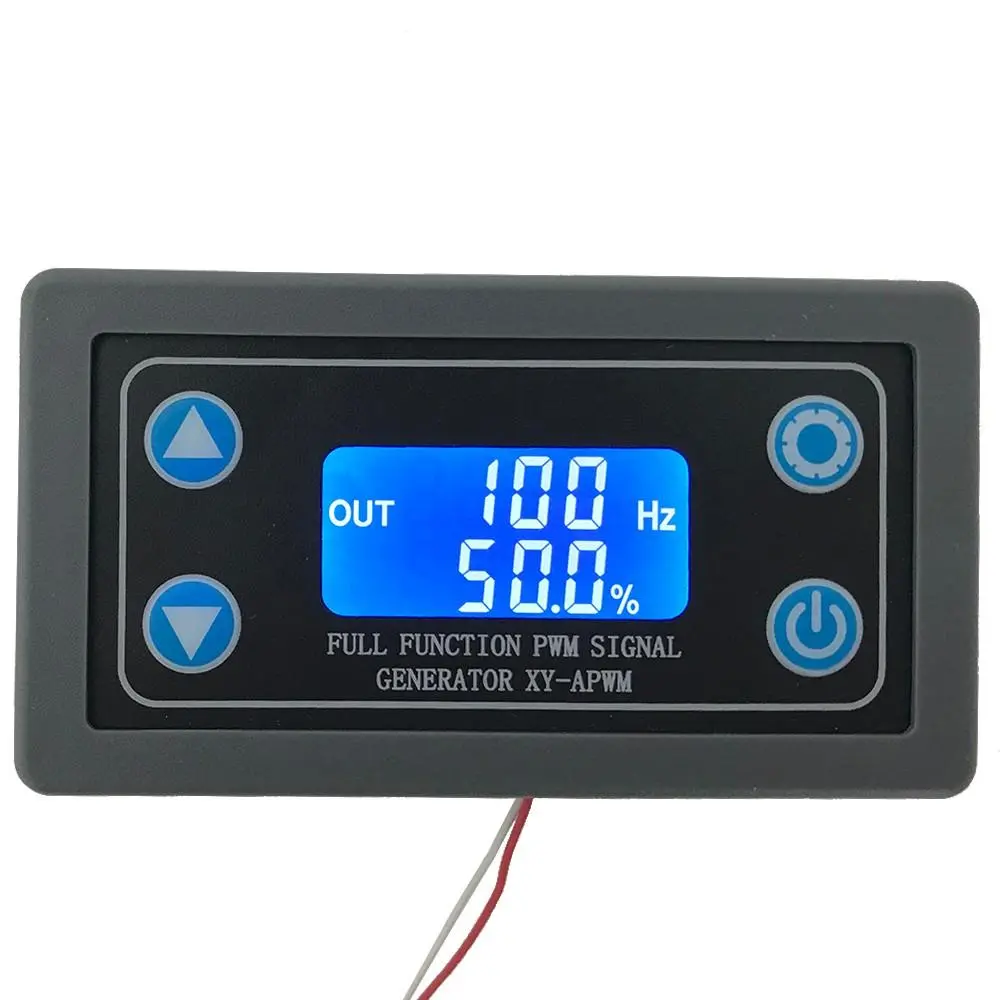
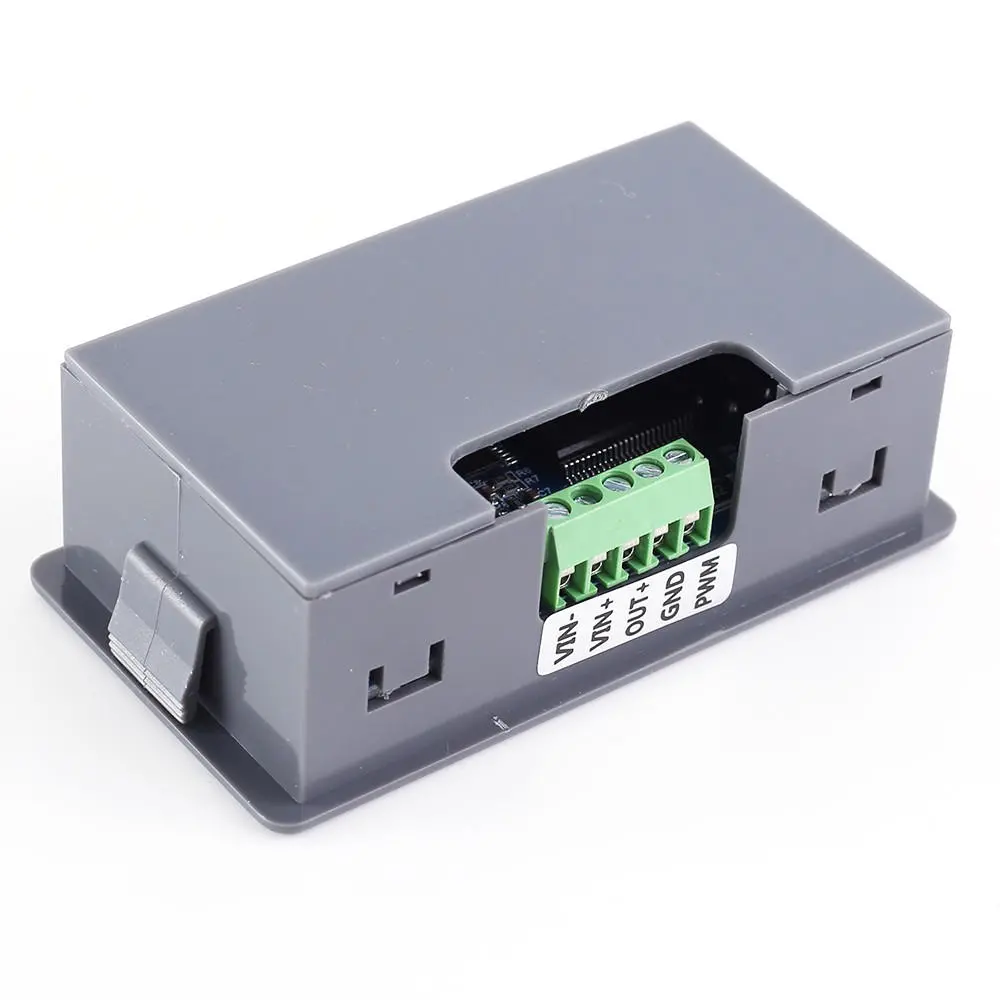
XY-APWM 1Hz-150KHz Signal Generator | PWM Frequency Duty Cycle Adjustable Module
$17.00
$20.78
-18% OFF
Global Shipping
Easy Returns
Secure Payment
Product Description
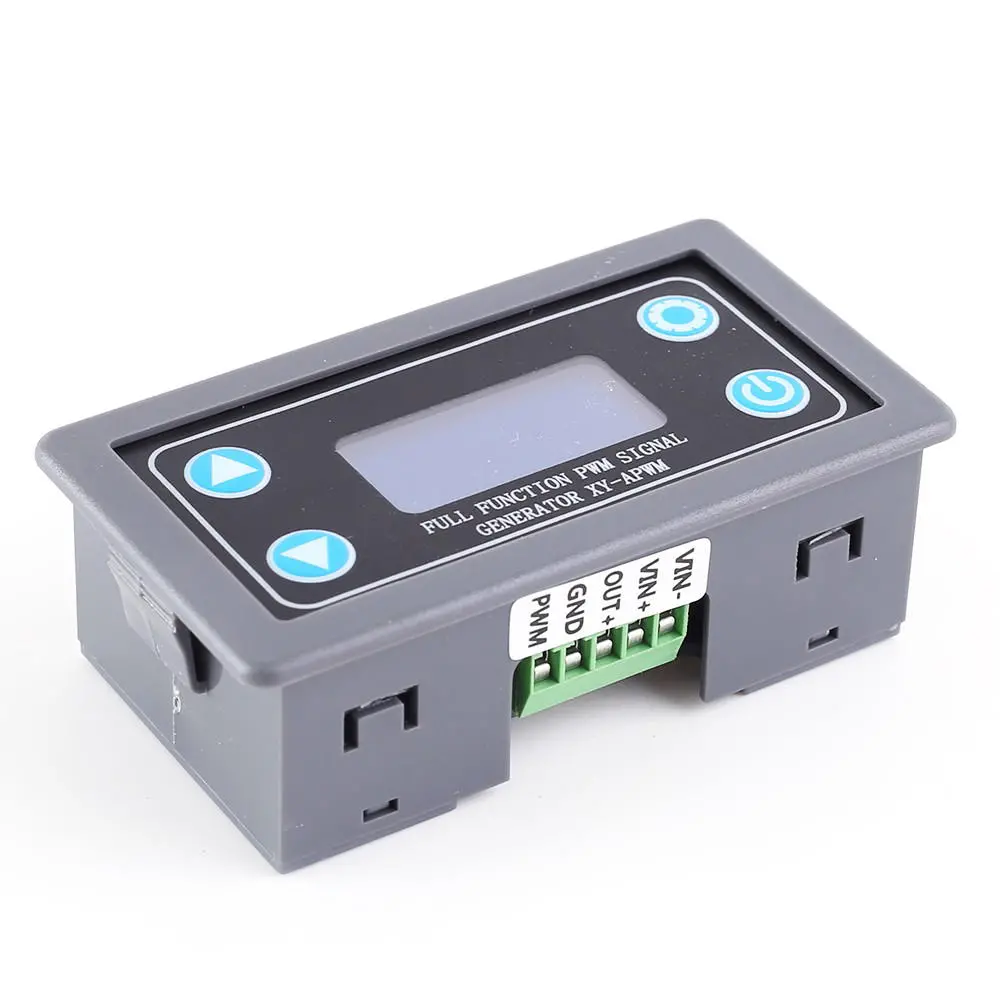
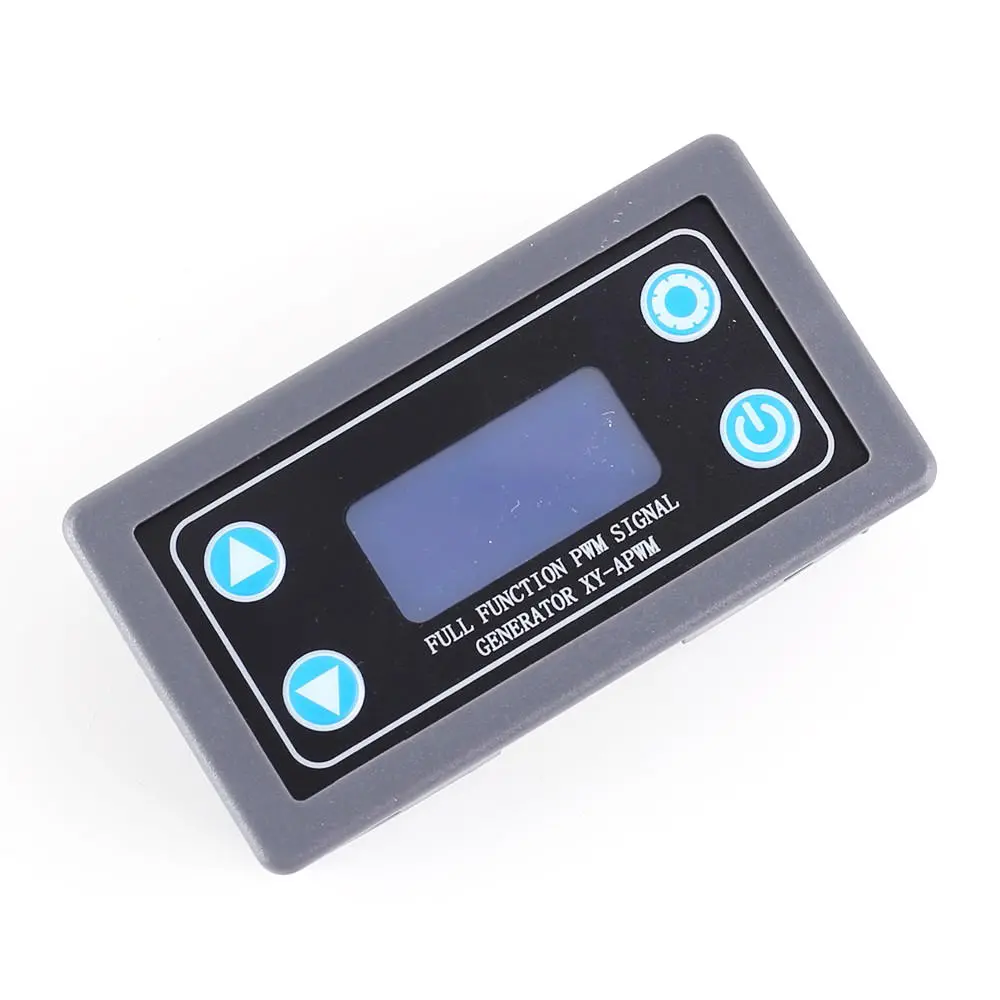
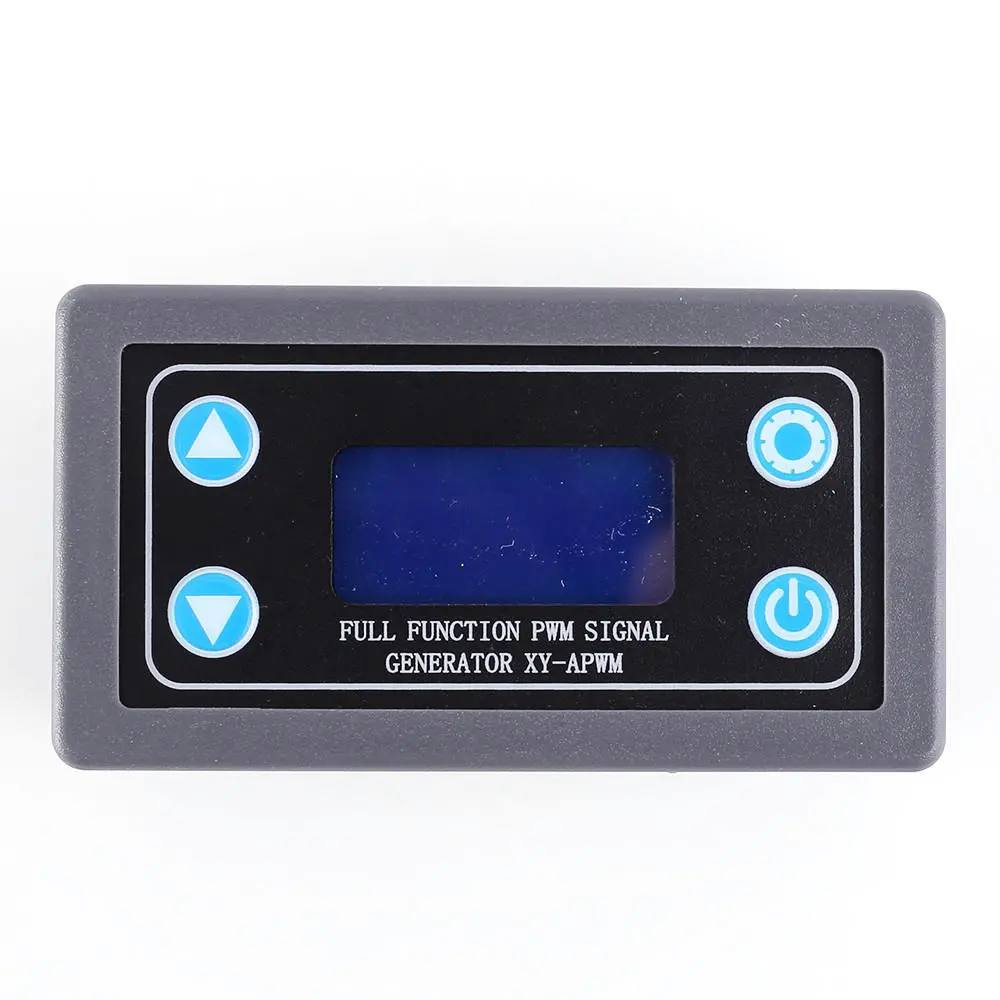
1.Description: XY-APWM signal generator is a device that provides electrical signals at a variety of frequencies, square wave, and output levels.It is used as a signal source or excitation source for testing.Widely used in production practice and technology. 2.Features: 1>.LCD high definition display 2>.Support amplitude adjustment 3>.Support frequency adjustment 4>.Support duty cycle adjustment 5>.High precision detection 6>.Support power-down memory function 7>.1-Channel PWM output 8>.Dual Precision Mode 9>.Supports lock function to avoid misoperation 10>.Support enable output 11>.ABS shell 3.Parameters: 1>.Product name: XY-APWM PWM Signal Generator 2>.Model: XY-APWM 3>.Work Voltage:DC 3.3V-12V 4>.Frequency range(Normal mode):1Hz~150KHz 5>.Frequency range(Precise mode):1Hz~15KHz 6>.Frequency accuracy:2% 7>.Duty cycle accuracy:1% at Normal mode 8>.Duty cycle accuracy:0.1% at Precise mode 9>.Duty cycle range:0.00%-100% 10>.Output Current:About 5-30mA 11>.Output amplitude:Adjustable 12>.Work Temperature:-40??~85?? 13>.Work Humidity:0%~95%RH 14>.Size:79*43*26mm 4.Set Work Mode: 1>.There is two work mode so it have two frequency range. 2>.Normal mode:Frequency range 1Hz~150KHz.Duty cycle range 000%-100%. Duty cycle accuracy 1%.Output amplitude range is DC 1V~24V. 3>.Precise mode:Frequency range 1Hz~15KHz.Duty cycle range 0.00%-100%.Duty cycle accuracy 0.1%.Output amplitude range is DC 1V~24V. 4>.Keep press button ??ON/OFF?? for 5 second to switch to Normal mode and Precise mode. 5.Button description: 1>.Long press means need keep press for more than 3second. 2>.Short press button ??ON/OFF?? to enabled/disabled PWM output. 3>.Keep press button ??ON/OFF?? for 2 second to lock parameters and display lock symbol at the same time then these parameters can not be set and avoid misoperation.Press 2 second again to release lock function. 4>.Keep press button ??ON/OFF?? for 5 second to switch to Normal mode and Precise mode. 5>.Short press button ??SET?? to switch display set parameters for frequency and duty cycle and amplitude.Then press button ??UP?? and ??DOWN?? to set parameter value. 6>.Keep press button ??SET?? for 2 second to set system parameters for ddn/dup/Fdn/FUP/Adn/AUP/dEF.Then press button ??UP?? and ??DOWN?? to set system parameter value. 6.Use steps: 1>.Connect to power supply. 2>.Set Normal mode and Precise mode. 3>.Set parameters for frequency and duty cycle and amplitude. 4>.Set system parameters for ddn/dup/Fdn/FUP/Adn/AUP/dEF if need set. 5>.Keep press ??ON/OFF?? for 2second to lock set parameters. 6>.Test. 7>.Press button ??ON/OFF?? to turn on or off PWM output. 8>.Remove power and connect load to use module. 7.Application: 1>.Square wave signal generator, generating square wave signal for experimental development 2>.Used to generate a square wave signal that controls the motor driver 3>.Generate adjustable pulses for use by the MCU 4>.Dimmer 5>.Speed governor 8.Note: 1>.It??s 1-channel PWM output signals. 2>.Its maximum output current is 30mA.Therefore it cannot directly drive high-power devices. 3>.Please read use manual and description before use. 9.Package: 1>.1pc XY-APWM PWM Signal Generator 10.Details pictures:Customer Reviews
No reviews yet. Be the first to review this product!